
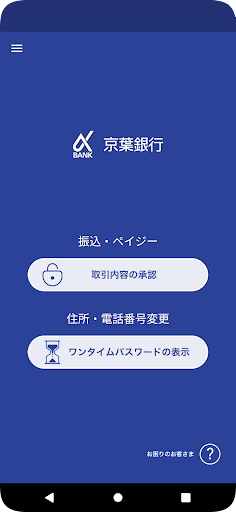
This is a free security app that allows you to safely use Keiyo Banks personal internet banking.You can use the function to confirm and approve transaction details (transaction authentication) and the function to display one-time passwords.●People who can use itCustomers using Keiyo Bank personal internet banking●What is transaction authentication?This is a method of confirming that transaction details have not been tampered with during communication.
By having the customer perform the approval operation, unauthorized remittances can be prevented and the service can be used more safely.●What is a one-time password?A one-time password is a variable password that is updated after a certain amount of time.
Since it is difficult for third parties to misuse it, it has the effect of increasing the safety of transactions.●Flow of user registration1.
Install authentication app2.
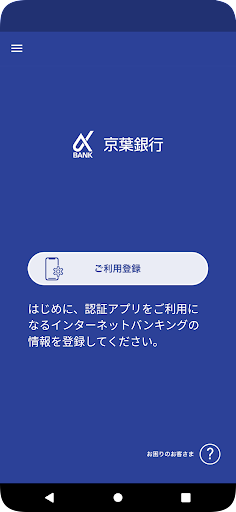
Launch the app, agree to the terms of use, and tap the "Register" button.3.
Enter your Internet banking subscriber number and logon password and tap the "Register" button.4.
Select the phone number that will notify you of the password required for user registration (select from the phone numbers provided to your bank)5.
Receive the call, enter the password prompted by the automated voice, and tap "Next"6.
Enter "Display name" and tap "Next" (optional)7.
The “Registration Completed” screen is displayed.●Please note・This app is free to use, but communication charges for downloading and using it will be borne by the customer.・To protect your personal information, please be careful not to lose or have your smartphone stolen, and strictly manage your smartphone by setting a passcode.
https://andro.io/app/osstclient
 Power 100


Android app profile
京葉銀行 認証アプリ for Android – Latest Version & Features
by 京葉銀行
★★★★★
(0 ratings)
Rate this app
How do you feel about 京葉銀行 認証アプリ?
Thanks for your feedback!
> 2.2k
Monthly Downloads
~$900
Estimated Cost
Screenshots









