
With this app, you can project textures to an origami.Step 1.
Choose one of 19 origamis.Step 2.
Rotate and decide the angle to project a texture.Step 3.
Choose an image file in your Photos app library as the texture.Step 4.
Adjust scale and position of the projected texture.Step 5.
Save an image of unfolded origami in Photos app library.Step 6.
Print out the saved image.Step 7.
Fold the printed paper to complete your origami.
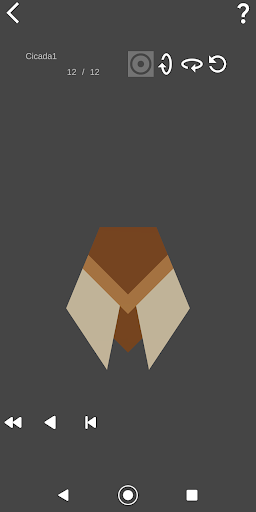
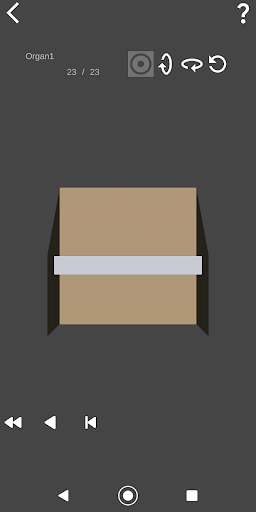
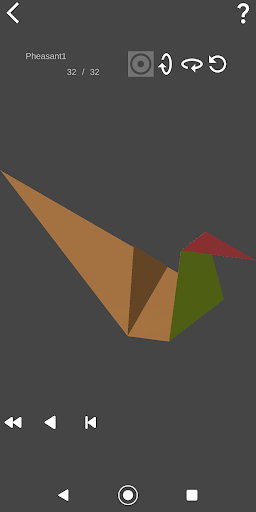
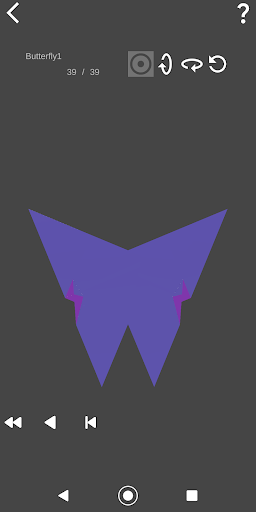
(*1) 19 origamis are displayed in the screenshot in this page.
https://andro.io/app/origamiplayerfull
 Power 100
Android app profile
Origami Player for Android – Latest Version & Features
★★★★★
(0 ratings)
Rate this app
How do you feel about Origami Player?
Thanks for your feedback!
> 2.2k
Monthly Downloads
~$900
Estimated Cost
Screenshots









