
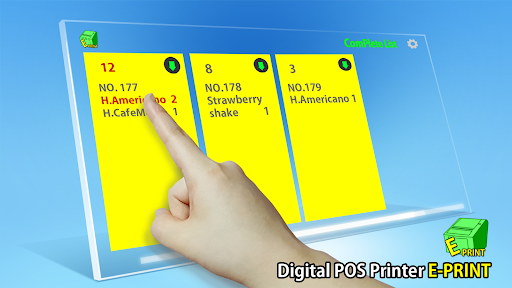
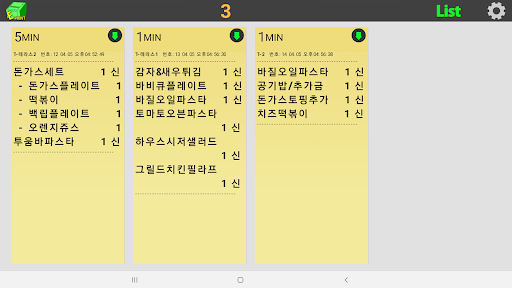
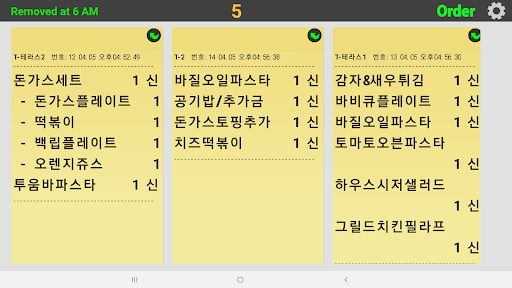
It is a KDS (Kitchen Display System) that can be used like a kitchen printer.You can cook and complete the order while viewing the order history.- How to use1.
Set the tablet to a static IP.2.
Install the E-Printer app.
: No special setting is required and the default value of PORT is 9100.3.
Set the kitchen order form output to E-printer in the POS program you are using 1) In case POS program supports network printer : Please set the tablet IP and PORT (default value 9100) in the settings of the POS program.
2) In case of serial printing (general POS printer output) : After installing the view printer agent in POS, set IP and PORT (default value 9100) in Add Printer.
View printer agent download address http://vuprinter.com/vahttps://youtu.be/E8Pw7iS8Wlw
https://andro.io/app/orderprogram
 Power 100

Android app profile
E프린터 - 태블릿으로 보는 주방 주문서 for Android – Latest Version & Features
by (주)엔엑스에프
★★★★★
(0 ratings)
Rate this app
How do you feel about E프린터 - 태블릿으로 보는 주방 주문서?
Thanks for your feedback!
> 2.2k
Monthly Downloads
~$900
Estimated Cost
Screenshots









