
In a perfect world, your internet connection would always be fast and reliable.
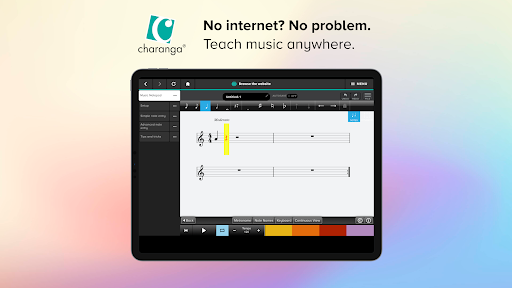
The Charanga App allows teachers to download and use their resources offline so that their Charanga-supported music lessons run smoothly.
Benefits• No internet connection is required when youre teaching.
• Downloaded resources work as they do online.
• When online, explore our website from within the Charanga App as you would on a browser.
How does it work?
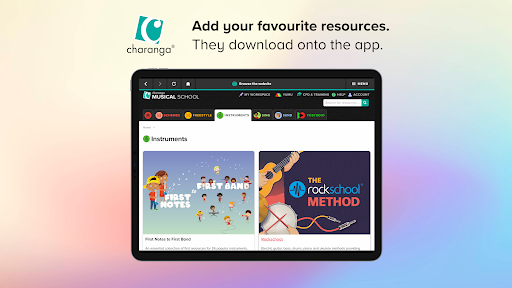
• Select a resource you want to use in your next lesson and click + TO APP.• Open the Charanga App on the tablet or laptop youll be using when teaching, and download the resource onto it from the Download Queue.
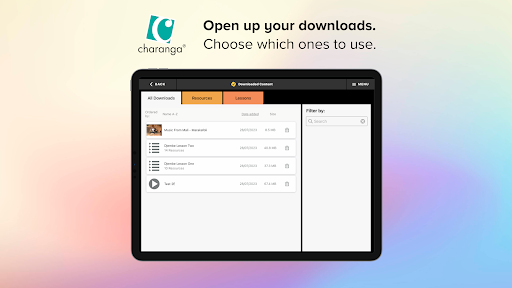
• Once downloaded, tap on the name of a resource in the Charanga Apps Downloaded Content section to open and use it in the classroom when offline.
https://andro.io/app/offline-z284
 Power 100

Android app profile
Charanga for Android – Latest Version & Features
by Charanga Ltd
★★★★★
(0 ratings)
Rate this app
How do you feel about Charanga?
Thanks for your feedback!
> 2.2k
Monthly Downloads
~$900
Estimated Cost
Screenshots









