
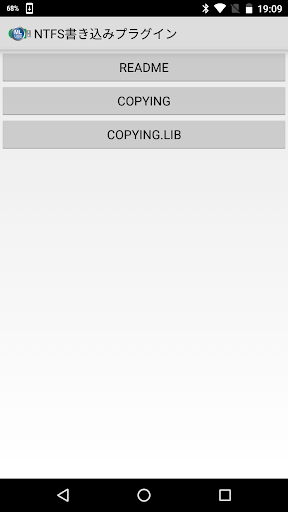
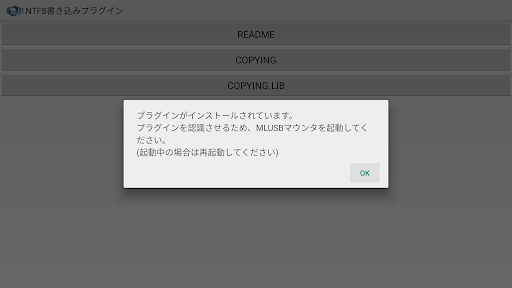
This application is NTFS write plug-in for "MLUSB Mounter".The plugin uses open source NTFS-3G.By purchasing in-app billing "MLUSB NTFS Write" with "MLUSB Mounter" and installing this plug-in, Writeable to NTFS volume of MLFS mounted USB storage.After adding the NTFS writing feature to "MLUSB Mounter", installation of this plug-in is not necessary.After uninstalling "MLUSB Mounter" or clearing data of "MLUSB Mounter" by "Settings", installation of this plug-in needs once again.MLUSB mounter Ver.1.51 / NTFS writing plug-in Ver.1.10 supported 64bit of NTFS writing function.If you used the NTFS writing function with MLUSB Mounter Ver.1.50 or older, it is operating at 32bit.To change to 64bit, execute the following procedure.1.
Updated to MLUSB Mounter Ver.1.51(or later) / NTFS Write Plugin Ver.1.10(or later)2.
Clear NTFS writing plug-in information of MLUSB mounter (*)3.
Restart MLUSB mounter* Plug-in information can be cleared by selecting [Settings]-[NTFS write plugin information].The version of NTFS-3G which was a base of this plug-in is "ntfs-3g_ntfsprogs-2017.3.23".If youd like to request the disclosure of this plug-ins source code, please e-mail to the below address.
Address: [email protected] Subject: Disclosure request of source code of NTFS Write Plugin
https://andro.io/app/ntfs3gplugin
 Power 100

Android app profile
MLUSB Mounter NTFS Write for Android – Latest Version & Features
by メディアロジック (Media Logic, corp.)
★★★★★
(0 ratings)
Rate this app
How do you feel about MLUSB Mounter NTFS Write?
Thanks for your feedback!
> 2.2k
Monthly Downloads
~$900
Estimated Cost
Screenshots









