

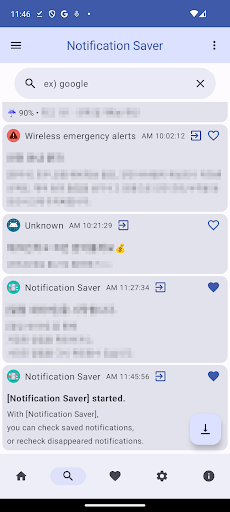
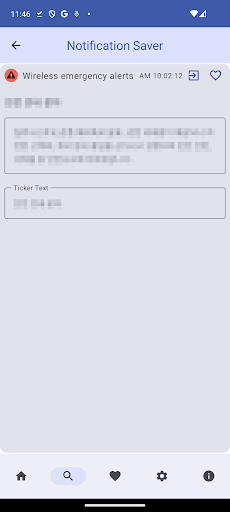
Notification saverSave/backup/restore notifications.Can check disappeared notifications any time.* function - Save/check notifications - sms backup/restore - Check notifications without displaying read receipts from various messengers - Option to select app to save notifications to - Backup/restore function of saved notifications - Notification save, notification log, notification logger, notification history functions - Messengers view, messengers view without display, messengers sneak peek function* How to use / options - After installing the app, just allow notification access and it will be automatically saved.
- You can change options through settings.
- Enable notifications: Snooze all notifications.
(Notification permission required) - Save constant notifications: Save constant notifications, so many identical notifications can be saved.
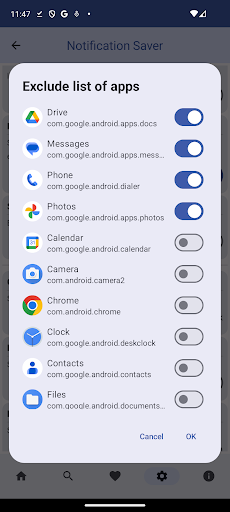
- List of apps to exclude: Select apps for which you do not want to save notifications.
- Swipe delete: Delete a notification by swiping in the notification list.
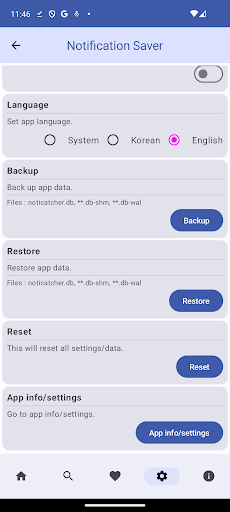
- Backup/Restore: Backup/restore when transferring previous data to a mobile device, etc.* Required permissions - Allow notification access: Required, required to check notifications from other apps - If you do not allow notification access, you cannot check/save notifications.
- Notification permission: optional, required to receive notifications again* etc - Information is for reference only.
- All information is stored on the phone and is not transmitted.* This app uses open source and publicly available images.* privacy policy - https://airplanezapk.blogspot.com/2013/09/blog-post.html - https://airplanezapk.blogspot.com/2020/08/privacy-policy.html
https://andro.io/app/noticatcher
Rate this app
How do you feel about Notification saver?
Thanks for your feedback!
> 2.2k
Monthly Downloads
~$900
Estimated Cost
Screenshots









