
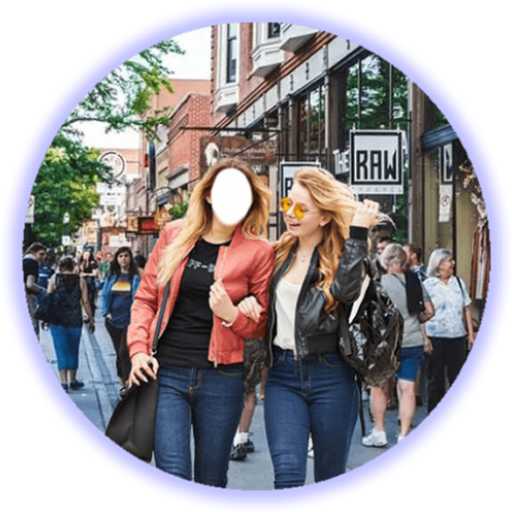
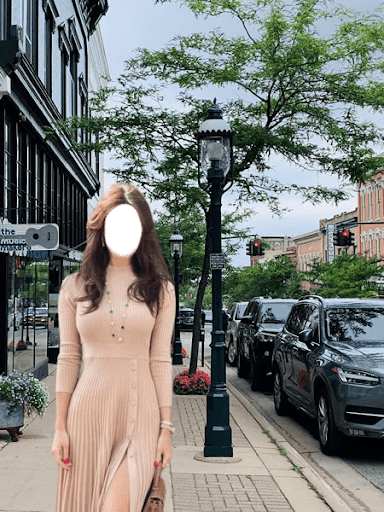
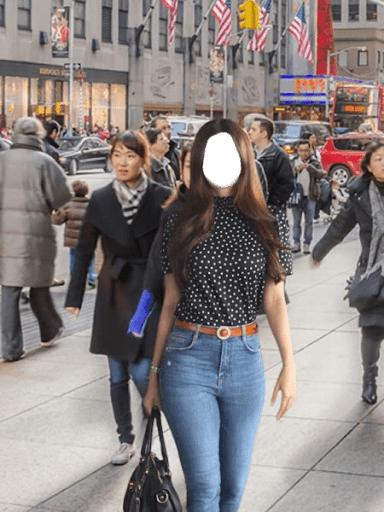
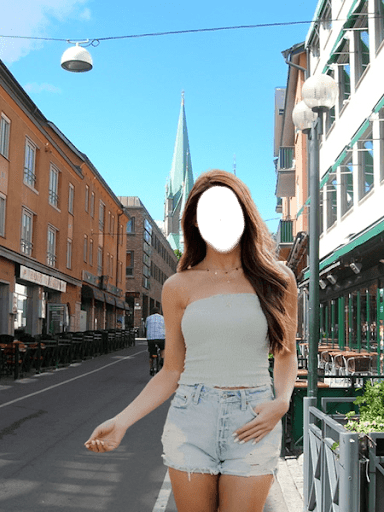
How to use:Install and run the App.On the first page, click on START.Now you will see a list of Frames.
Select a Frame you like.Frame is selected; choose a photo you want to set in the frame.
You can select photo from your gallery or direct from cell phone camera.After selecting the photo, you can adjust it with the help of your fingers.
You can rotate it, size it, flip it, edit brightness/contrast to match with frame.You can change the frame or photo through camera and frame buttons.Go next; here you can past Text and Picture stickers.
If you want to edit any pasted sticker, click on edit button, select the sticker you want to edit.Go next; here you can Frame your picture.Go next; this is the last page, here you can save your work and can share on social media like Facebook, Whatsapp etc; you can go back Home also.Disclaimer:This application complies with US copyright law guidelines of fair use.
If you feel there is a direct copyright or trademark violation that doesnt follow within the fair use guidelines, please contact us directly.
https://andro.io/app/mydowntown
 Power 100

Android app profile
DownTown Area Selfie for Android – Latest Version & Features
by Lado Apps
★★★★★
(0 ratings)
Rate this app
How do you feel about DownTown Area Selfie?
Thanks for your feedback!
> 2.2k
Monthly Downloads
~$900
Estimated Cost
Screenshots









