
IMPORTANT: Before connecting to a remote PC from the Mobile Viewer, please update the Host to version 6.x.Remote Utilities is free remote desktop software that provides easy and secure access to a remote computer.
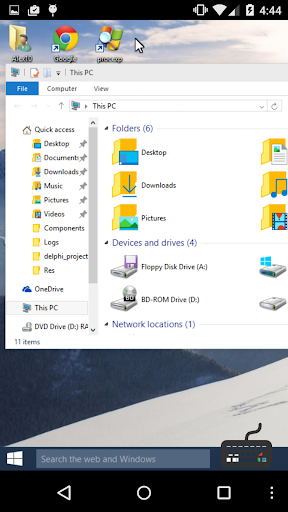
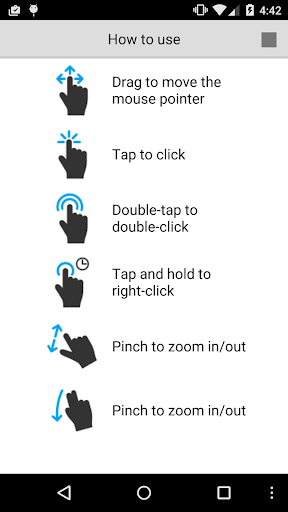
The program allows you to view the remote screen and operate its mouse and keyboard as if you were sitting right in front of it.This app is a mobile version of the Viewer.
You can use it for free to connect to your remote PCs from mobile devices.
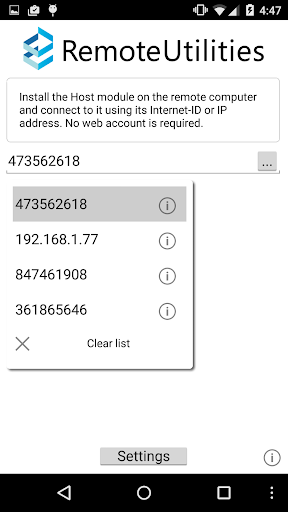
Main features:- View the remote desktop on your mobile device screen, control the mouse pointer and send keystrokes.- Connect to a remote PC behind a firewall or a proxy.- Access unattended and attended PCs from anywhere.- Connect by an IP address or an easy-to-use Internet ID.In order to connect to a remote PC, install the Host module on it.
You can download the Host module from Remote Utilities official website http://www.remoteutilities.com.
https://andro.io/app/mviewer
 Power 100

Android app profile
Remote Utilities for Android – Latest Version & Features
★★★★★
(0 ratings)
Rate this app
How do you feel about Remote Utilities?
Thanks for your feedback!
> 2.2k
Monthly Downloads
~$900
Estimated Cost
Screenshots









