
MT Control Panel is an application designed for use on smartphones/tablets.
It allows control and configuration of the AVer Matrix Tracking Control Box, MT300(N).
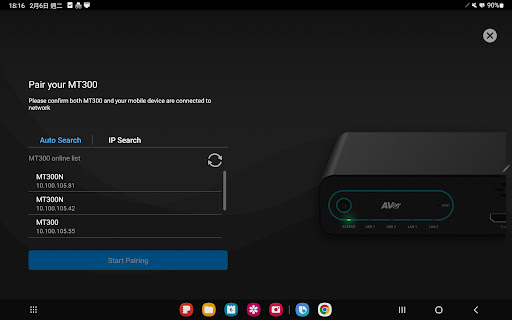
Upon pairing via Wi-Fi connection, this application offers the following features:■ Adding Devices ・Cameras and microphones can be added through the MT Control Panel.■ Supporting Multiple Modes for MT300(N)・Utilizing the built-in multiple modes of the MT300, users can choose from Live Mode, Manual Mode and Auto Mode.■ Using Live Mode ・Through MT Control Panel, users can directly select layouts and specify desired video sources for immediate use without pre-prepared profiles configured.■ Using Manual Mode ・Through MT Control Panel, users can switch layouts and profiles directly and effectively to have a single or multiple video sources composed in a single stream.■ Using Auto Mode ・Through MT Control Panel, users can integrate various microphone brands, converting AVer cameras into Audio-Tracking cameras.■ Other Advanced Features ・MT Control Panel allows for more detailed settings for AVer MT300(N) such as network configurations, image settings, periodic controls, and more.
https://andro.io/app/mtcontrolpanel


Android app profile
MT Control Panel for Android – Latest Version & Features
Power 100
Rate this app
How do you feel about MT Control Panel?
Thanks for your feedback!
> 2.2k
Monthly Downloads
~$900
Estimated Cost
Screenshots




