
<<<<<<<<<<<<<<<<<<<<<<>>>>>>>>>>>>>>>>>>>>>>
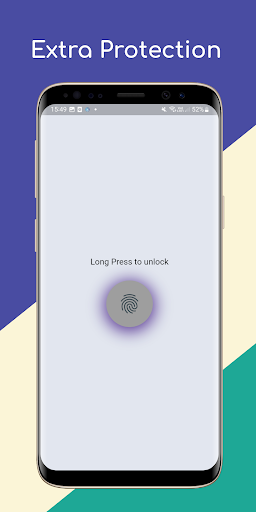
👉 First of all, a Screen lock will appear on the Home screen.
In which 4 sec on the lock icon.
By pressing and holding till the screen will be unlocked.
Then you will move to the next screen.
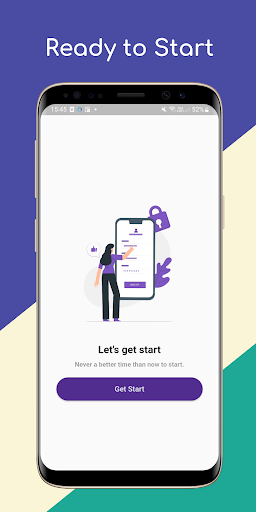
👉 Then you will get the welcome screen.
Your auspicious name will be asked (which should be of a maximum of 6 characters) after entering the name, after clicking on the Next button, you will reach the dashboard.
👉 Here you will get information about total balance, expense, and income, which too will appear with a Line graph.->> In this dashboard, a Floating button will appear on the bottom sheet.
Clicking on which page will open.
After selecting the amount, description, income/expanse, and date and clicking on the Add button, all the data will be visible back on the dashboard.<<<<<<<<<<<<<<<<<<<<<>>>>>>>>>>>>>>>>>>>>>>
https://andro.io/app/msaving
 Power 100

Android app profile
mBudget - Expense Manager App for Android – Latest Version & Features
by Dewaara Inc.
★★★★★
(0 ratings)
Rate this app
How do you feel about mBudget - Expense Manager App?
Thanks for your feedback!
> 2.2k
Monthly Downloads
~$900
Estimated Cost
Screenshots









