
MPAUD-AR is a learning media application for the AUD Learning Media (Early Childhood) course in collaboration with IVET University Semarang and Mr.
Pucung Studio.
When pointing the cellphone camera at the MPAUDAR logo (as a QR Code), the user will automatically see the 3D objects provided by the MPAUD-AR application.
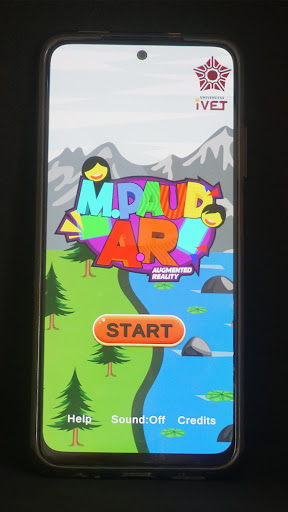
To access lecture material, users can download it directly with the output in PowerPoint format.Install the MPAUD-AR application via Playstore to enter the Home view.
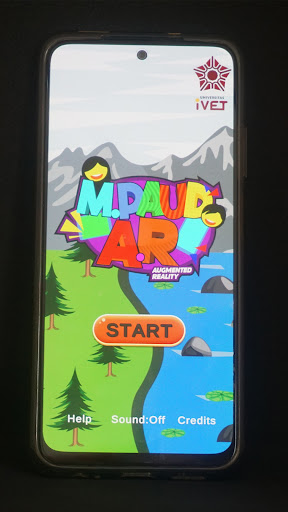
Click start to open the lecture material.
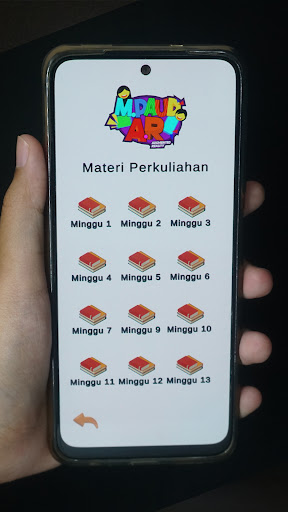
There are several choices of weekly lecture material.
Press the button for one of the meetings to access lecture materials.
Point your cellphone camera at the MPAUDAR logo (as a QR Code) to see the 3D objects provided by the MPAUD-AR application.
It can also be done by scanning the QR Code of the MPAUDAR logo which has been printed on the T-Shirt or the print out or printed on the laptop/cell phone.
After the 3D object appears, you can click it to access lecture material, you can even download it with the output in PowerPoint format.
https://andro.io/app/mpaudarivet
 Power 100

Android app profile
MPAUD AR IVet for Android – Latest Version & Features
★★★★★
(0 ratings)
Rate this app
How do you feel about MPAUD AR IVet?
Thanks for your feedback!
> 2.2k
Monthly Downloads
~$900
Estimated Cost
Screenshots









