
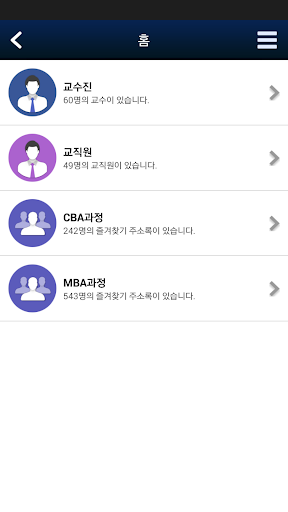
SNU Biz Members (College of Business Mobile Address Book App) provides student addresses for faculty, staff, MBA, CBA, and management research institute courses.Faculty and staff are provided with photo, affiliation, office location, contact information and email, and students are provided with photo, company, email and contact information.
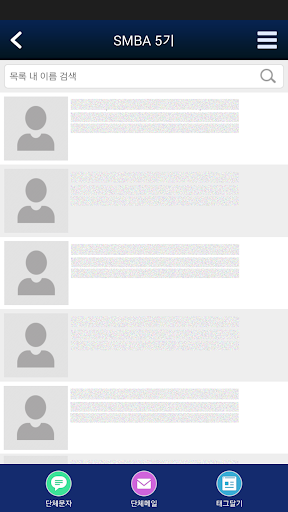
In the address book app, you can make a call, text, send an email, and tag a person who is inquired directly, you can save the address in your phone, and you can text a group, send an email, and tag a group.In addition, as it is an app that stores valuable personal information, you must pay attention to security and agree to the provision of your information so that your information is displayed in the address book.
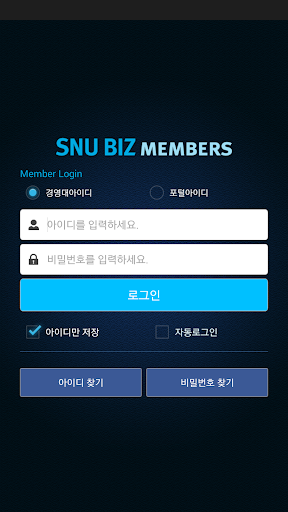
was developed to be automatically erased.If you download the address book app from the market and log in with your business school intranet account, the Favorites screen is provided as the first screen.
Through the Favorites setting menu, you can set the contact group you will mainly look up, you can update your changed information from time to time through the My Information setting menu, and you can take a picture and upload it yourself.
https://andro.io/app/mobilecontact
 Power 100

Android app profile
SNU BIZ Members for Android – Latest Version & Features
by 서울대학교 경영대학
★★★★★
(0 ratings)
Rate this app
How do you feel about SNU BIZ Members?
Thanks for your feedback!
> 2.2k
Monthly Downloads
~$900
Estimated Cost
Screenshots









