
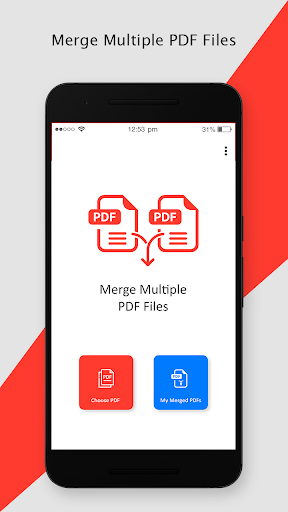
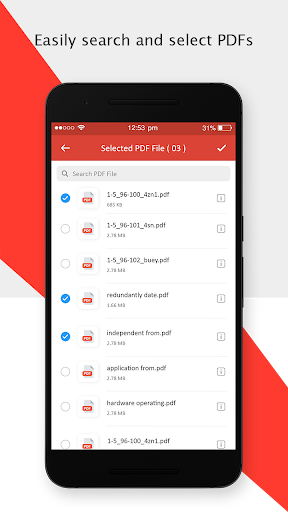
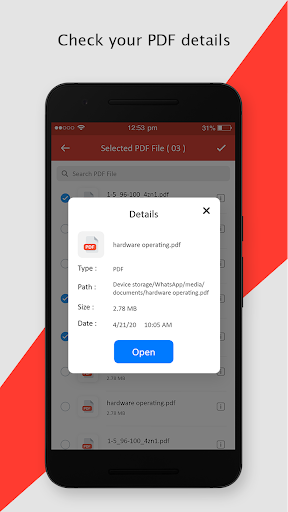
If you are having multiple PDF files and want to make one single file by merging them all then this app can do it in a few seconds.How to use Merge Multiple PDF Files:- Tap on the Choose PDF option.- You will be able to see all the PDF files present on your phone.
Select the PDF files that you want to combine.- Click on the tick mark option located at the top right corner of your screen.- Long press on a file to move it so you can arrange all files in the sequence.- Click on the Merge button located at the top right corner.- Give a name to your PDF file and select Merge.In My Merged PDFs section you can access PDFs that you have merged using this app.So grab the Merge Multiple PDF Files app into your phones and combine your PDFs easily.
https://andro.io/app/mergepdf
 Power 100

Android app profile
Merge Multiple PDF Files for Android – Latest Version & Features
by Tweenti Corp
★★★★★
(0 ratings)
Rate this app
How do you feel about Merge Multiple PDF Files?
Thanks for your feedback!
> 2.2k
Monthly Downloads
~$900
Estimated Cost
Screenshots









