
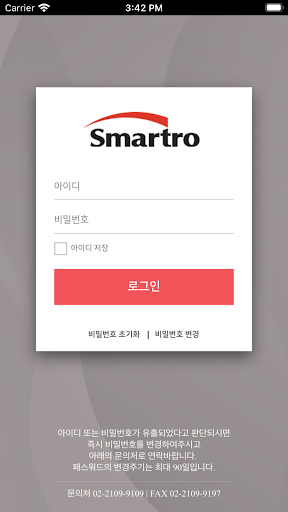
* Smart ALLSThis is a mobile version of the ALLS ASP system provided by Smartro.
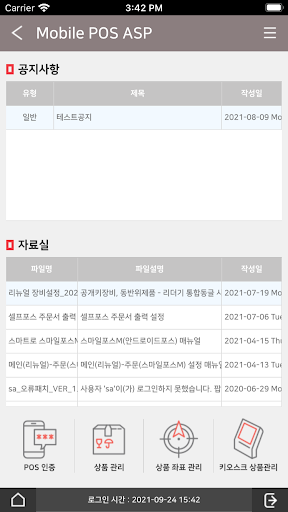
Through the app, you can conveniently use the functions used in the existing PC version.* main function01 POS & KIOSK settings managementAuthentication and settings for POS & KIOSK are also available on mobile devices.02 Integrated membership sales inquiryPoints, coupons, and stamp sales can be viewed.* caution 01 You can use it in both Wi-Fi and network environments, but data charges may apply depending on the rate policy of the telecommunication company you subscribe to.02 To ensure stable use of the application, we ask that you continue to update when registering an updated version.03 If you have any inconveniences or improvements when using the application, please send the information to the customer center or website.【Essential access rights】• Photo: Access to the photo taking function, used when using Mobile ALLS.【Optional access rights】• Storage space: Access rights to device photos, media, and files, used when using Mobile ALLS.※ You can use the mobile ALLS service even if you do not agree to the granting of optional access rights, but there may be restrictions on the use of some necessary functions, which can be changed in the [Smartphone Settings> Applications> ALLS> Permissions] menu.* Customer center contact number: 1666-9114 (ARS number 3 -> number 3)* Customer Center operating hours: Weekdays 9:00 AM to 8:00 PM, Saturdays 10:00 AM to 6:00 PM* Website: http://www.smartro.co.kr
https://andro.io/app/malls-1i2td
 Power 100


Android app profile
스마트로 ALLS for Android – Latest Version & Features
by 스마트로
★★★★★
(0 ratings)
Rate this app
How do you feel about 스마트로 ALLS?
Thanks for your feedback!
> 2.2k
Monthly Downloads
~$900
Estimated Cost
Screenshots









