
Looking for M4A to MP3 Convertor?
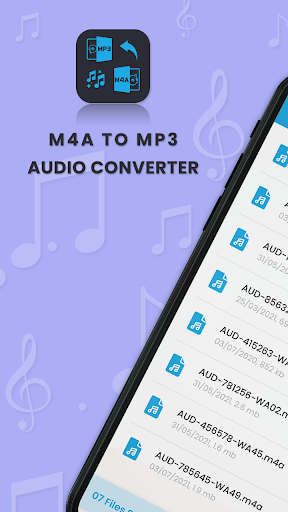
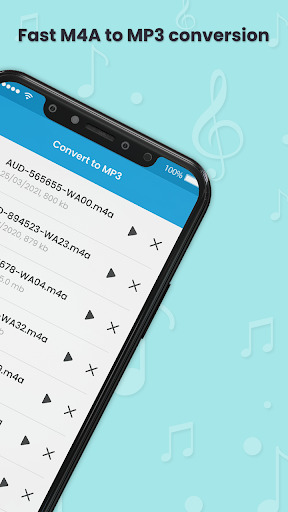
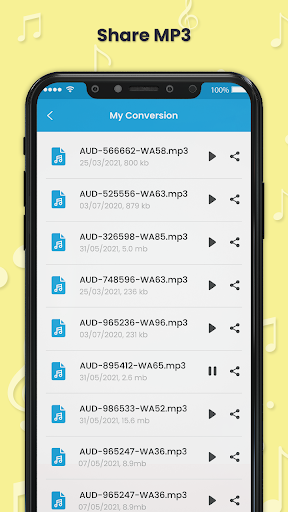
🎵 M4a to MP3 Audio Converter is the best app to Create MP3 file from M4a.
🎵The M4A file extension is an audio file saved in the MPEG-4 format.
M4A audio files are usually encoded with the lossy Advanced Audio Coding (AAC) codec or the Apple Lossless Audio Codec (ALAC), which reduce the size of the audio file.MP3 is the most popular format for listening music, as it is universally supported by all devices.While M4A is still being used by one of the popular music streaming services, as a container within AAC, it still could pose issues if you want to rip those songs you purchased and convert them.App convert M4A to MP3 will help you to convert your music format to enjoy it on multiple devices.
🎵 How to use M4A to mp3 converter app
🎵1.
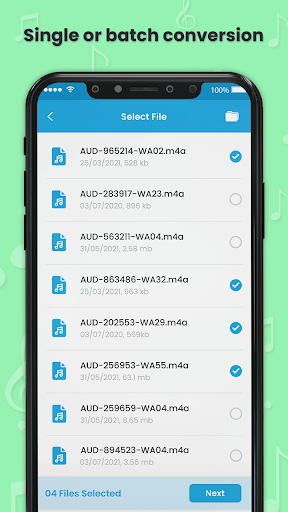
Click on select files2.
Select the M4A sounds wants to convert3.
Click on NEXT and then CONVERT4.
Select the audio quality as per your choice and Click on OK5.
The M4a audio gets converted to MP3
https://andro.io/app/m4a2mp3ctr
 Power 100
Android app profile
M4a to MP3 Audio Converter for Android – Latest Version & Features
by Tweenti Corp
★★★★★
(0 ratings)
Rate this app
How do you feel about M4a to MP3 Audio Converter?
Thanks for your feedback!
> 2.2k
Monthly Downloads
~$900
Estimated Cost
Screenshots









