
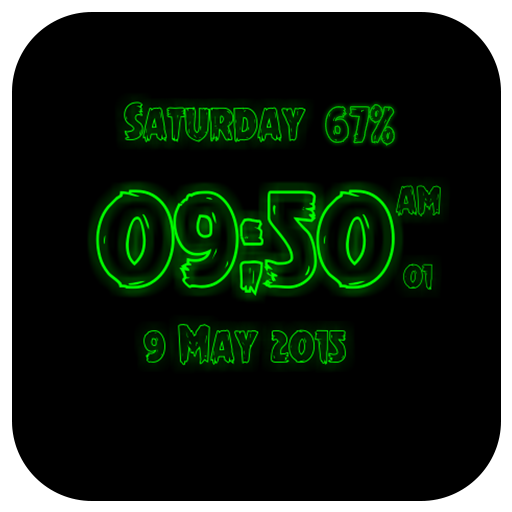
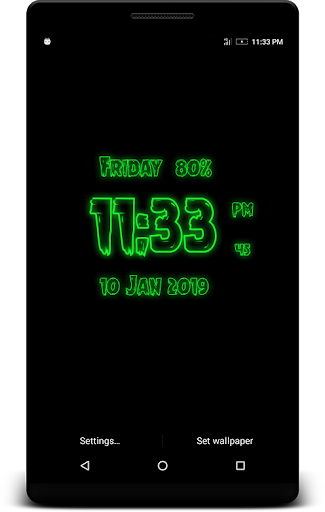
Tattoo Digital Clock Live WallpaperTattoo Digital Clock Live Wallpaper that displays current time, date and day of the week.
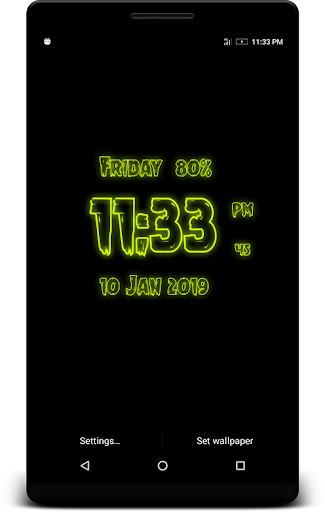
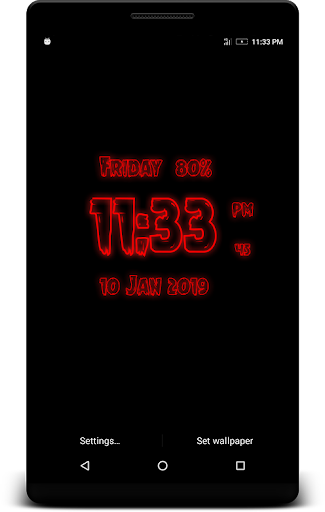
All date and time formats are supported.Names of month and day of week is displaying on screen.So many color are available in clock live wallpaper and clock size own selected with settings.Features:-*Change Font Size of Clock.*Neon Clock Live Wallpaper in one more option is glow as per your choice.*Time format (12Hr & 24Hr).*Selected color set on your Tattoo Digital Clock Live Wallpaper.*Displays Current Day Date(Optional/ Settable by user)*Change format of Date Display*Multiple Color Settings for Tattoo Digital Clock(Using Color Picker)*Glow Effect(Enable/Disable) for the Clock*Clock Style Or Font Selection*Neon Effect Selection(Enable/Disable) for the Clock*Clock Background SelectionHints:- * To change date or time format press: "Home - Menu - Settings - Date and Time format".Use:- Press button "Settings..." to configure the wallpaper.
Press button "Set wallpaper" to set it and start to use.
You may configure wallpaper again.
https://andro.io/app/livewallpaper-126wg
 Power 100

Android app profile
Tattoo Digital Clock Live Wp for Android – Latest Version & Features
by Cruxx
★★★★★
(0 ratings)
Rate this app
How do you feel about Tattoo Digital Clock Live Wp?
Thanks for your feedback!
> 2.2k
Monthly Downloads
~$900
Estimated Cost
Screenshots









