
Color the scenes in the story of the Korean independence hero, Doctor Yoon Bong-gil, and enjoy it in AR.Also, use the AR map to see the various independent heroes in AR.- To enjoy Yun Bong-gil AR?You need a book, [AR Map], and a smart device with a rear camera.※ Be sure to allow camera access when running Bonggil Yoon AR.
If you do not allow camera access, you will only see a black screen.- Enjoy AR content like this.
1) After downloading the AR textbook and AR map from the link below, try coloring the AR-marked artwork.
2) When the camera screen appears after running the app, illuminate the artwork with the AR mark of the textbook or illuminate the marker on the AR map.
3) You can perform missions or run AR according to the instructions.
4) After completing the AR experience, you can view more data through View Data.- How to meet AR content?
1) You can apply for textbooks or download AR markers from the education information system of the Independence Hall.
2) Download AR textbooks and markers from the link below and experience them freely.https://learn.i815.or.kr/0401/board/eschool/?mode=V&&pageIndex=1&idx=532597995952328704※ Regarding the privacy policyhttps://learn.i815.or.kr/0406/board/gongmo/?mode=V&pageIndex=1&idx=481694662181376128&
https://andro.io/app/koreaheroar
 Power 100
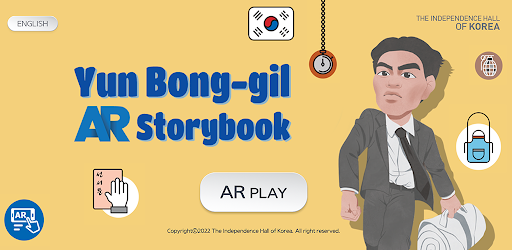

Android app profile
독립운동가 윤봉길 AR / Yun Bong-gil AR for Android – Latest Version & Features
by 독립기념관
★★★★★
(0 ratings)
Rate this app
How do you feel about 독립운동가 윤봉길 AR / Yun Bong-gil AR?
Thanks for your feedback!
> 2.2k
Monthly Downloads
~$900
Estimated Cost
Screenshots









