

The InfoRapid KnowledgeBase Builder is an excellent tool for Knowledge Management.
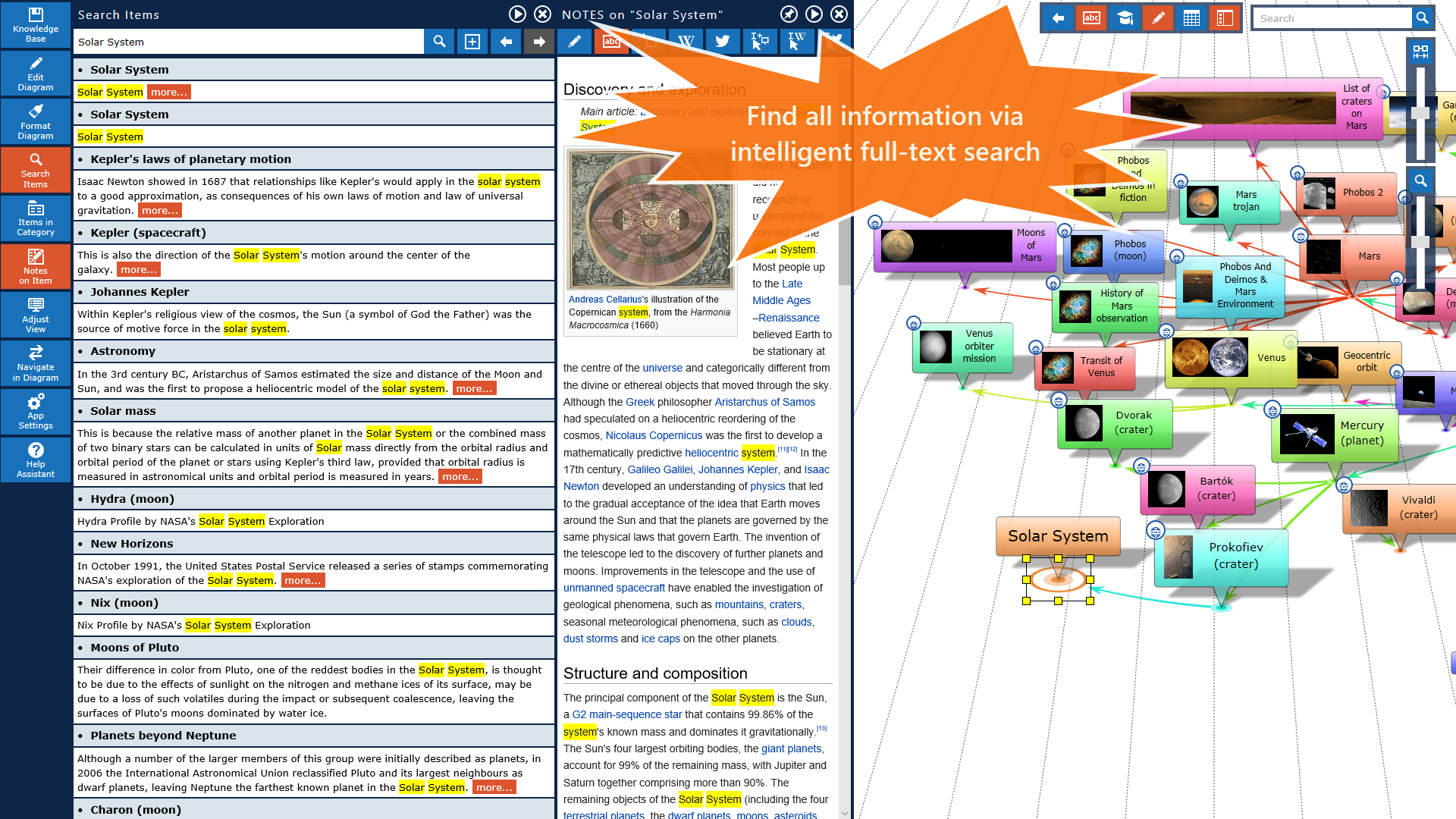
You can save text documents and web pages with all formattings and links in your knowledge base and perform a full text search in it.
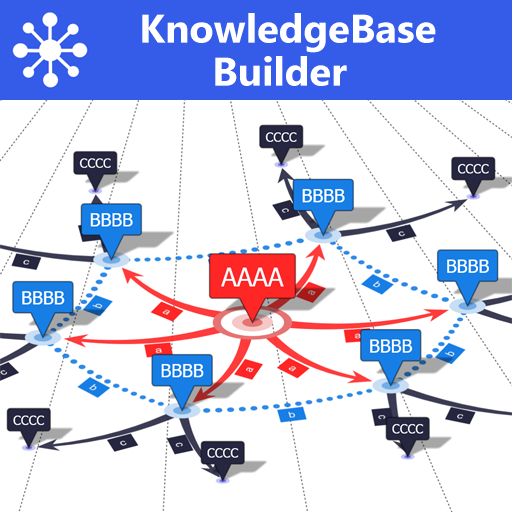
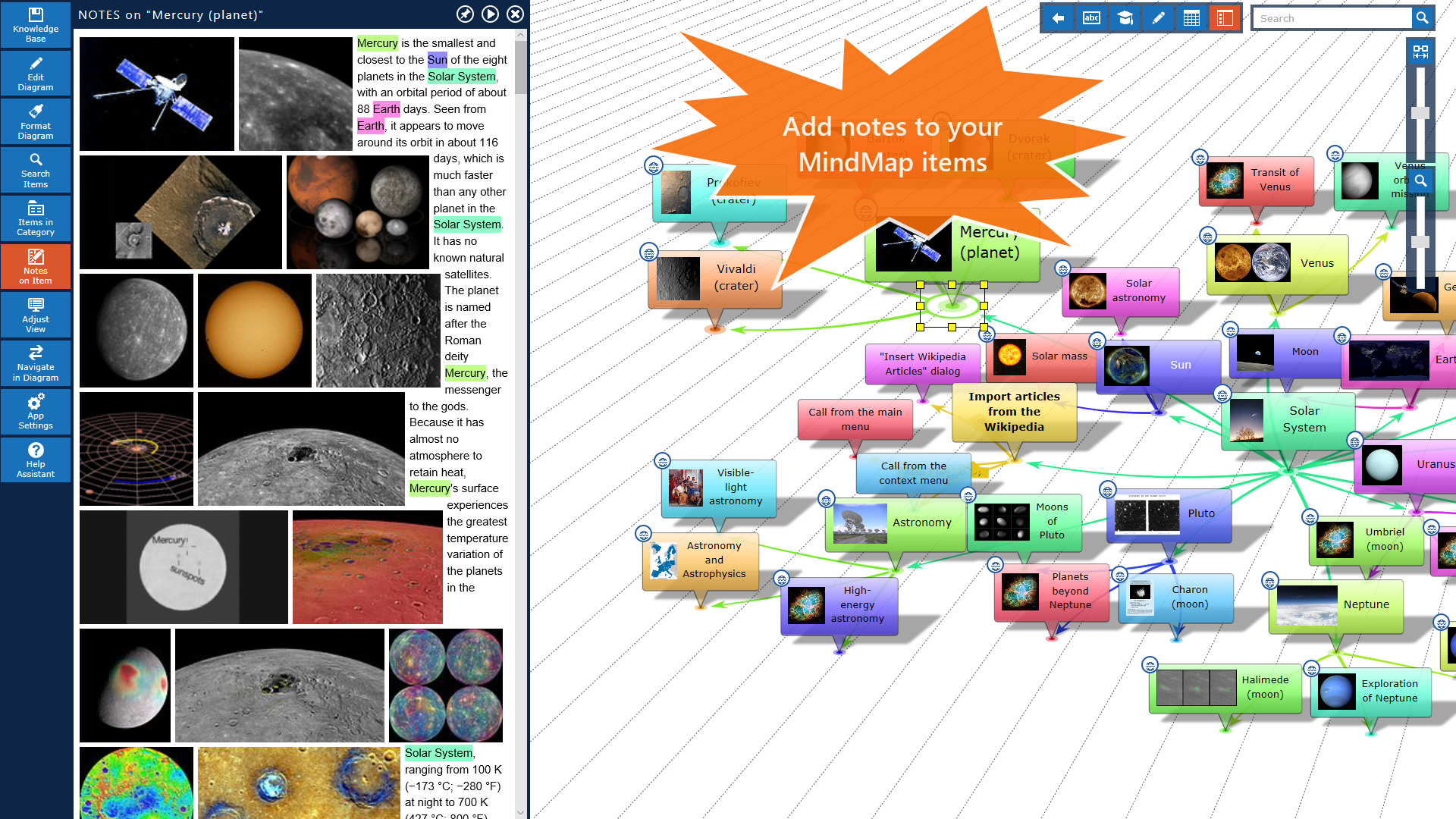
Since every document is attached as a text note to a mindmap item, you can organize them perfectly in a large mindmap.
This mindmap is browsable, so you will never lose perspective even with thousands of documents.
All items are stored in a reliable local SQLite database.
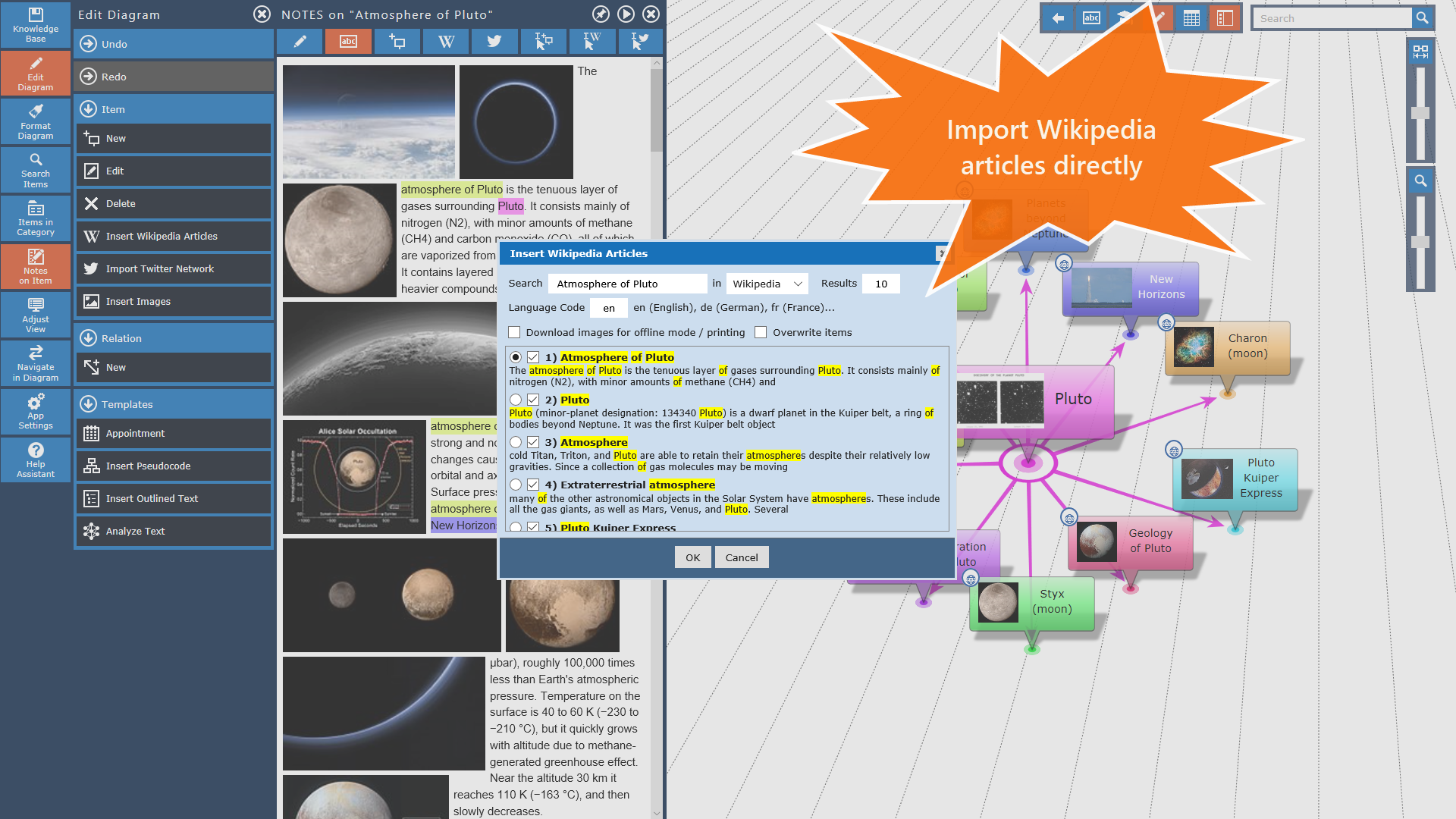
The app includes many other outstanding features such as the automatic creation of mindmaps from text documents, the import of Wikipedia articles and Twitter tweets into your mindmap and much more.
You can even export your knowledge base as a formatted html document.
And thats not all.
The InfoRapid KnowledgeBase Builder is also a famous flowcharting tool.
You can either create your flowcharts manually or generate them automatically from pseudo code.
And there are a thousand more things you can do with the app.- Save your knowledge and ideas in a knowledge database and display them as mind map- Create complex flowcharts, decision trees and process charts- Connect any items by labeled lines- For text analysis, mark text locations in order to take them over as new items into the diagram- Mind Map and Flowchart layout- HTML text notes for items- 3D view- Enter description text for items and relations and display it as tooltip- Navigate in the diagram by tapping on an item or doing a full text search for the item name- Create new items and connection lines by drag and drop- Export the diagram as a bitmap or as a formatted html text document- Import CSV data into the diagram- Attach images to items and display them in an image preview- Insert iconic images directly into items- Table view where items can be rearranged by drag and drop3D model export with hyperlinks for embedding 3D diagrams into webpages.
Sorting child items alphabetically.
C
1
★
★
★
★
★
Dark theme, UI looks like Windows XP (-_-). There are free apps that are better than your or even cheaper. So yeah UI is important no material design. Why does Apple and Google put so much effort in the UI because it's not important or because we should not care. Why don't all the people just wear black clothes, why so many colors. Nice thinking there champ. Welcome to 2019. Go back to 1903 the first Ford, where you could choice only 1 color. (-.-)









