
The KQIlearn App enables learners to access digital learning content anytime, anywhere even when offline.
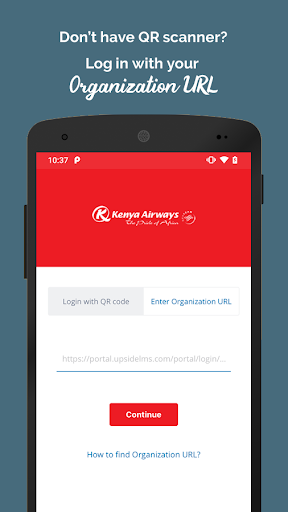
Whats more, with full support for Social/Informal Learning, collaboration, sharing and learning from peers, subordinates and seniors alike is a breeze.Key Features:• Wide Range of Content and Training Modes Supported:Learners can access eLearning, in the form of Videos, Courses , Assessments, Assignments, Surveys and Reference Materials (Documents, Presentations, Images), and Social Learning along with Classroom Training attendance and nomination management.• Continuous, On-The-Go Learning:Learners can undertake any course, with their progress being automatically tracked and synced.• Secured, QR code-based access: A client-specific QR code on the portal login screen in desktop/ laptop view enables learners to access the respective mobile login screen (on their mobile phone).
While in the post-login scenario, scanning a QR code from the context menu in the learner area directs the learner to the home screen (while bypassing the mobile login process).Other Features:• Enhanced User Experience• User-friendly GUI
https://andro.io/app/kenyaairways
 Power 100



Android app profile
KQIlearn for Android – Latest Version & Features
★★★★★
(0 ratings)
Rate this app
How do you feel about KQIlearn?
Thanks for your feedback!
> 2.2k
Monthly Downloads
~$900
Estimated Cost
Screenshots









