
The following contains various keyboards including the default keyboard Blackbird 1 and 2.1.
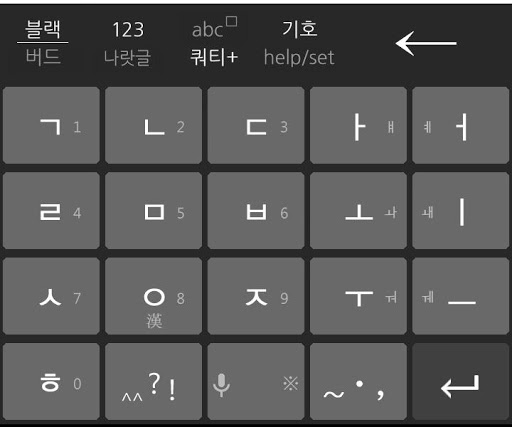
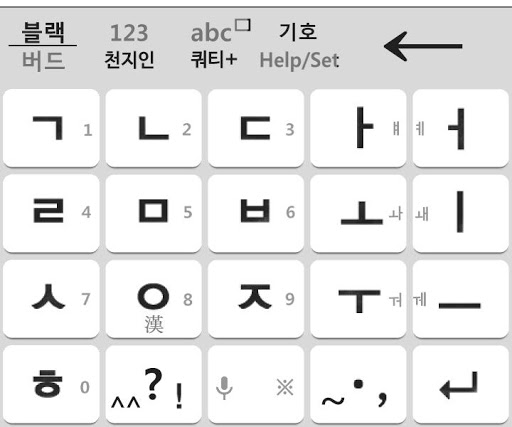
Black Keyboard: The default keyboard 12.
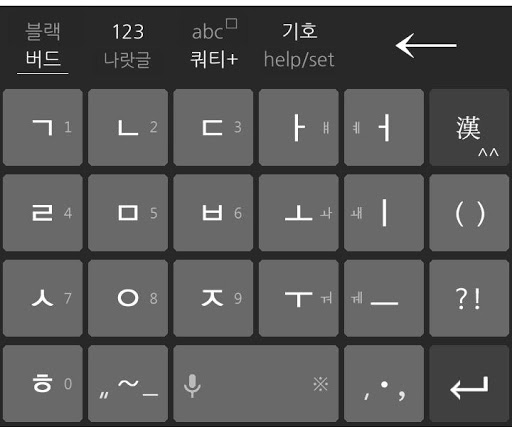
Bird keyboard: Basic Keyboard 23.
abc keyboard: AZ of English keyboard4.
QWERTY keyboard +: Improved / English QWERTY keyboard5.
Tenchijin keyboard6.
LG keyboard naratgeul7.
Keyboard Vega1.
Now there are collections arranged in order Dida jipni soon get used to it.2.
Very easy to use by adopting the input mode when switching the menu system.3.
The double consonants input method You can select one of the following three refer to Help. 1) Press and hold 2) Double Click 3) Click 3 times1.
Quick Symbol Input Mode2.
The right / left one character Clear3.
Edit mode function4.
Keyboard Size and Position5.
Tenchijin, LG naratgeul, Vega, QWERTY keyboard support6.
Hiragana, Katakana7.17 kinds Classifieds sign8.
emoticons9.
Chinese (Simplified support), Chinese words10.
Voice RecognitionAfter Installation How to Change keyboards]After installation, choose Open, you can set the keyboard to click on the desktop or menu Blackbird.
https://andro.io/app/kbd5
 Power 100

Android app profile
블랙버드 키보드 BlackBird 2.2 for Android – Latest Version & Features
by GreatUnion
★★★★★
(0 ratings)
Rate this app
How do you feel about 블랙버드 키보드 BlackBird 2.2?
Thanks for your feedback!
> 2.2k
Monthly Downloads
~$900
Estimated Cost
Screenshots









