
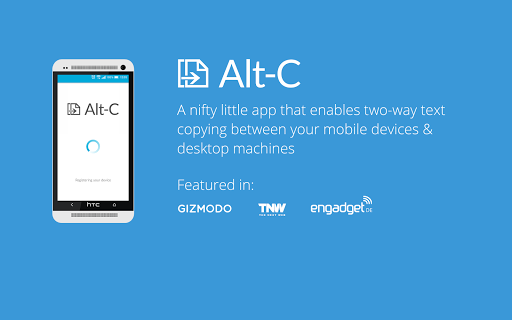
Alt-C is an app that makes getting text between your PC and Smart Devices extremely easy.Copy text from your PC to your Smart devices clipboard, and Paste text from your devices clipboard to your PC, instantly!
All you need is the PC application, and the Android application on your device.
No sign-in is required.
(You do need to be signed in to your Google Account on your device since the application uses Google Cloud Messaging)Configure Alt-C to open specific types of text in various applications.
Open URLs in your Web Browser, Email addresses in your email app, GPS co-ordinates in your Maps app, Phone Numbers in the Dialer and Text in your favourite note taking application.
Configure your Alt-C Auto Launch experience under Settings!
(ALL Text is parsed on the device itself)1.
Download this app and the Windows or MAC client app.
(http://www.altcopy.net/#download)2.
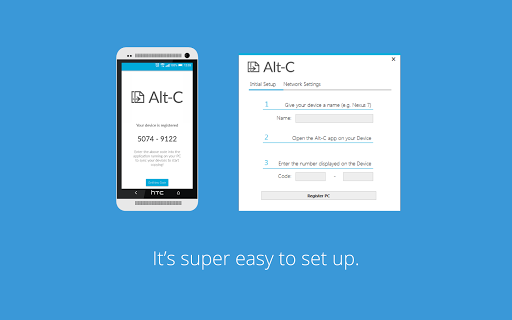
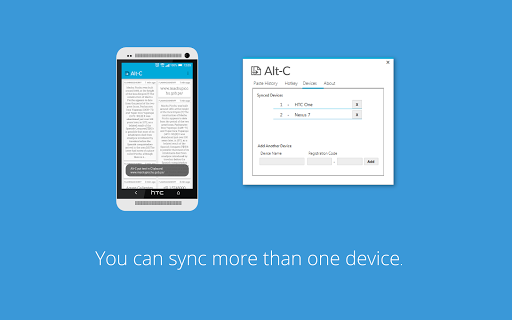
Run the Client app, and open the app on your device and complete the quick syncing process.3.
Start copying.Copying to your Smart Device from your PC:Highlight some text on your PCPress the Copy Hotkey (Alt + C is the default)The text will arrive on your devices clipboard.
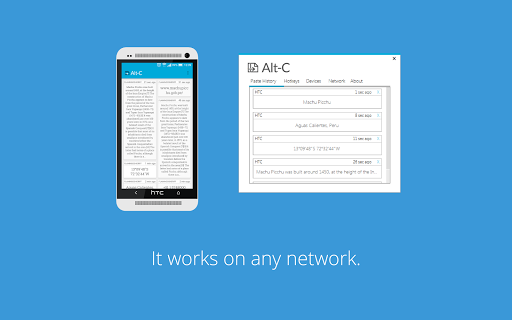
Pasting from your Smart Device to your PCSelect some text on your Smart Device and copy itPress the Paste Hotkey on your PC (Alt + V is the default)The text will arrive on your PCs clipboard and be automatically pasted.Alt-C doesnt require your smart device and your PC to be on the same network, as long as both are connected to the internet - and youre logged into your Google account on your device - youre good to go.Get the PC client app here: http://www.altcopy.net/#downloadNone of your data is stored on our servers at all - this includes data that identifies your device and PC as well as any text that is copied.
All data is transferred via SSL to keep it secure.
https://andro.io/app/instacopy-nq1u
 Power 100
Android app profile
Alt-C for Android – Latest Version & Features
by v01d-main
★★★★★
(0 ratings)
Rate this app
How do you feel about Alt-C?
Thanks for your feedback!
> 2.2k
Monthly Downloads
~$900
Estimated Cost
Screenshots









