
With Networkapp visitors get the most out of an event or community.
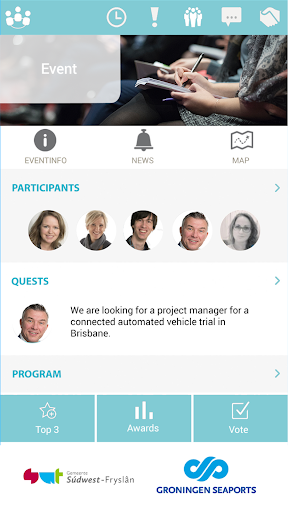
Networking is easy with the right information and tool at hand.In the event app one will find information, questions from attendees, news items and much more.It’s all about the question; Attendees share knowledge and queries.
Unexpected connections are created.
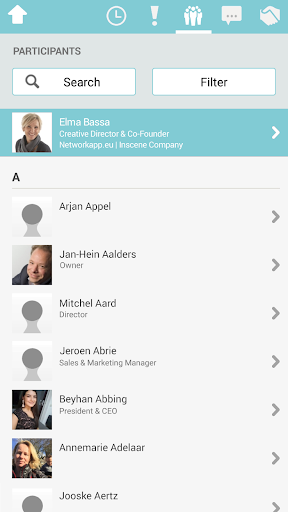
Get attendees to enrich their profiles and find each other by relevant content.Once contact is made, meetings between participants are easily planned and a warm welcome awaits them.
Contacts remain and if you want networking continues in a community.
Surprising sustainable relationships are the result!Event attendees start networking after completing 4 simple steps:1.
Open Networkapp2.
Set up an account; Register with LinkedIn or email3.
Enter your personal code to access the event or community4.
Start networking: Post a quest, chat and schedule a meeting.Why Networkapp on your event?
- Because your attendees deserve a warm welcome.
- Because you want to make sure everybody has the right information at hand.
- Because you like to arrange this without to much of a hassle.
- Because you want to save paper.
https://andro.io/app/inscene
 Power 100


Android app profile
Networkapp for Android – Latest Version & Features
★★★★★
(0 ratings)
Rate this app
How do you feel about Networkapp?
Thanks for your feedback!
> 2.2k
Monthly Downloads
~$900
Estimated Cost
Screenshots









