
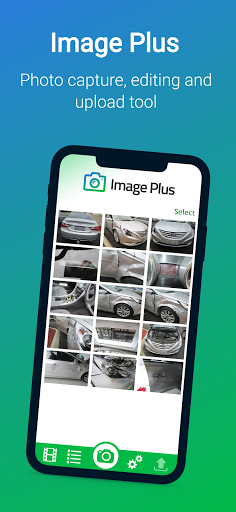
Use your smartphone to take photos and upload directly to an estimate in one of our supported estimating systems.
Say goodbye to digital cameras, USB cables and the tedious process of manually adding photos to each estimate.How It Works:1.
Login with your existing customer account1.
Take photos using the camera within the app2.
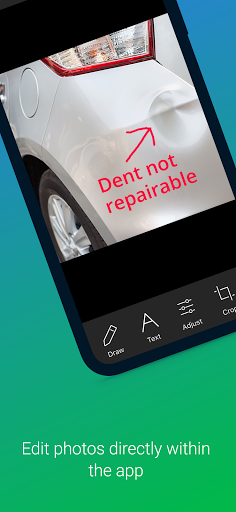
Edit your photos (optional) - add text, draw lines, resize, crop, rotate, adjust brightness3.
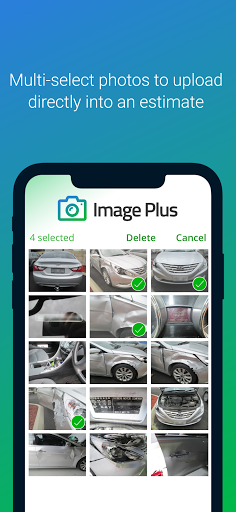
Select the photos on your camera roll you wish to upload and tap the upload button4.
Enter in details of an existing estimate or tap NEW ESTIMATE to upload the images into a new estimate then tap "Start Upload"5.
Watch your photos upload to the cloud and appear in the estimateNOTE: For photos to be downloaded to your computer, you will need the Server Tool installed.
The Server Tool communicates with our cloud server and downloads images you have uploaded from Image Plus.Account Membership:If you are not an existing customer, you will need to get in touch with us to get you setup.
https://andro.io/app/imageplus
 Power 100

Android app profile
Image Plus for Android – Latest Version & Features
★★★★★
(0 ratings)
Rate this app
How do you feel about Image Plus?
Thanks for your feedback!
> 2.2k
Monthly Downloads
~$900
Estimated Cost
Screenshots









