
Pure Icon Changer is a free and useful app which can help you change & customize icons and names for any apps.
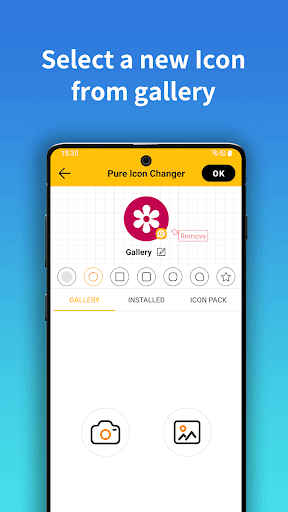
The new icons can be chosen from gallery and other app icons.Our app will create a shortcut to the new icon on your home screen.
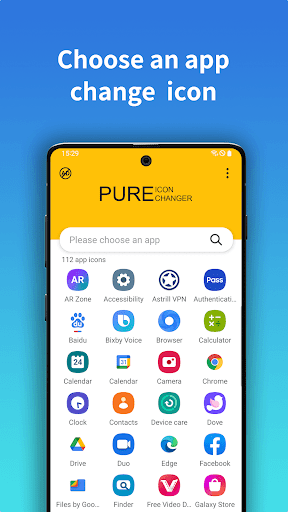
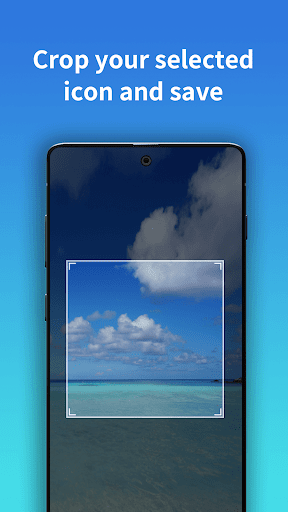
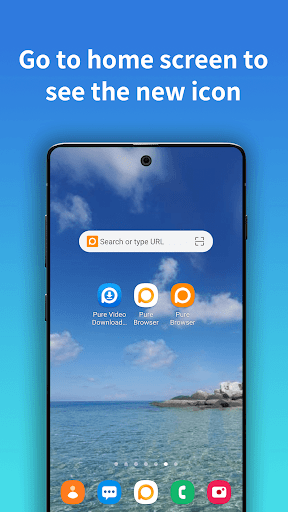
This is the simplest way to decorate your android phone.How To Use :1.Open Pure Icon Changer2.Choose an app 3.Select a new Icon form Gallery, Camera or other app icons.
Select your love shape form given list4.Edit a new name for the app5.Go to home screen to see the new shortcut iconAbout the Watermark :1.On Android 8.0 and above, some Phone System automatically add a corner mark to the newly created shortcut icon.We can help you to make app icon without watermark using widget technology.Follow below steps.2.widget_guide_desc1">"Go to your phones desktop, Long press & hold a blank space, then click "Widgets" from the pop-up menu.3.Find "Pure Icon Changer" in widget page, touch & hold it and drag it to your desktop.4.The widget of Pure Icon Changer will be opened automatically.
After that you can make your app icon without any Watermarks.
https://andro.io/app/iconeditor
 Power 100
Android app profile
Pure Icon Changer - Shortcut for Android – Latest Version & Features
by PureBrowser
★★★★★
(0 ratings)
Rate this app
How do you feel about Pure Icon Changer - Shortcut?
Thanks for your feedback!
> 2.2k
Monthly Downloads
~$900
Estimated Cost
Screenshots









