


CalendarSync syncs your appointments with CalDAV, FTP, HTTP, WebDAV servers, Cloudstorage, between calendars on your device, or with local files (stored on the device or e.g.
as a mail attachment).
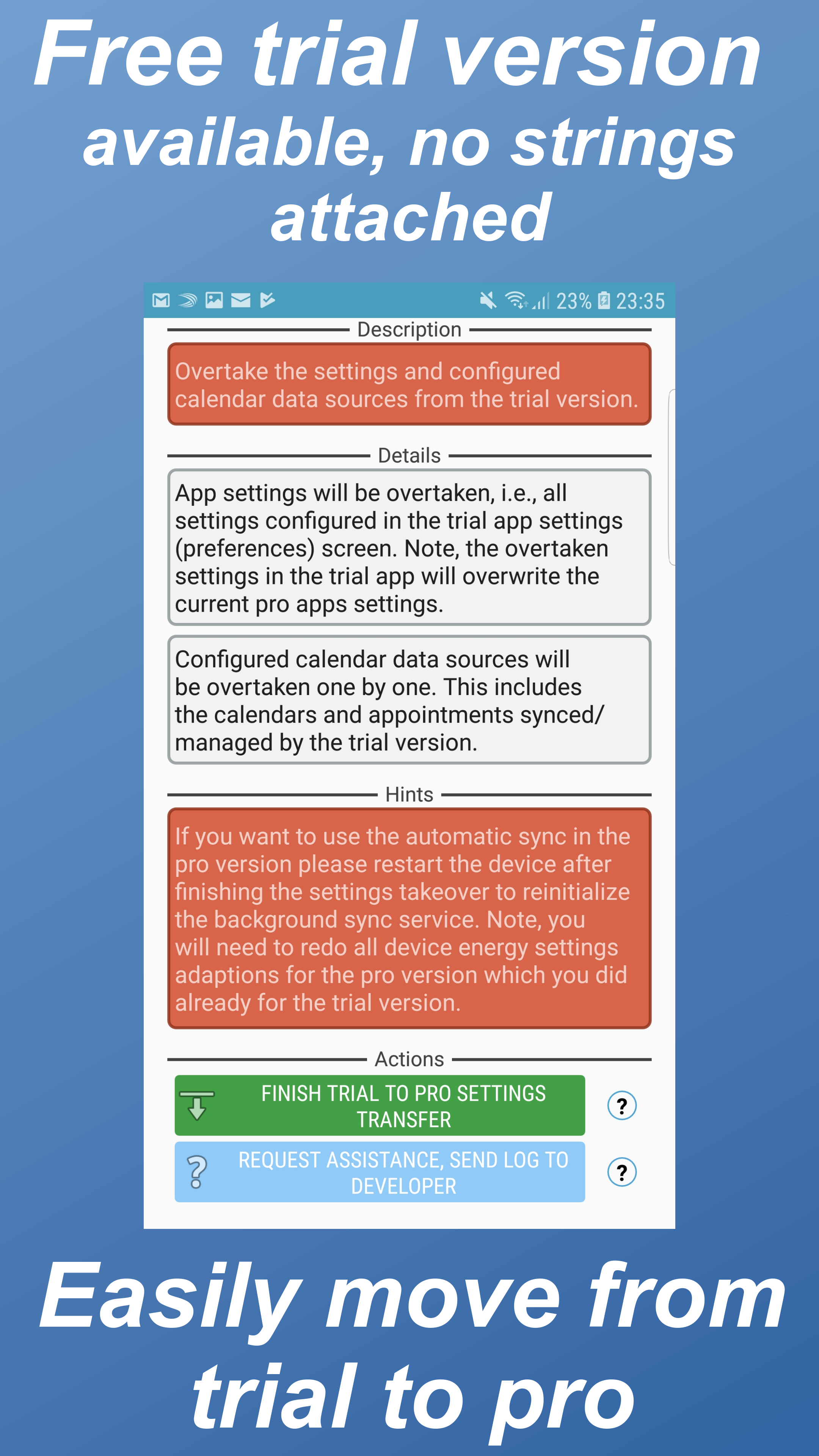
A quick overview on the most important features is given below.Do you want to check out the app for free?
You can test the app and all its features without any limitations for two weeks.
Simply install its free trial version from https://play.google.com/store/apps/details?id=com.icalparse.free You would like to access the next major update bringing a novel user interface, new features, and guidance/support system?
Then check out the open beta test here: https://play.google.com/apps/testing/com.icalparseThe app has been successfully tested with more then 50 different CalDAV Servers like Owncloud, Apple iCloud, Zimbra, OSX/iCal Server, eGroupware, GMX, Oracle Beehive, david.fx, Synology NAS, DAViCal, SOGO...
You can find an overview here: http://ntbab.dyndns.org/apache2-default/seite/caldavprovider.htmlFeatures:⊛Comprehensive support - Questions or suggestions?
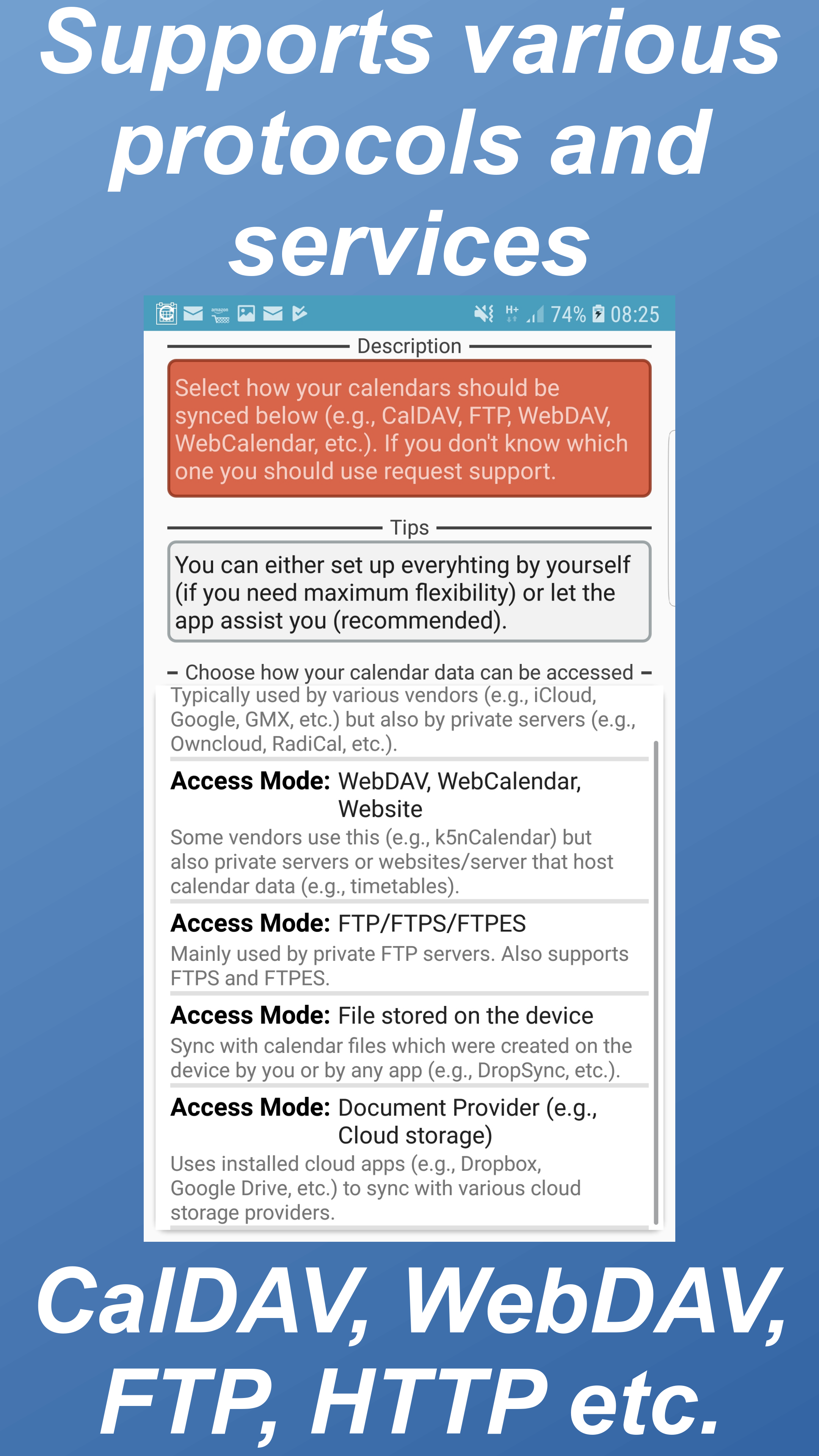
Simply write us a mail.⊛Syncs with many different sources - CalDAV, WebDAV, FTP, HTTP, WebCal, Cloudstorage, Local files, Between multiple Device Calendars, Mail attachments and many more.
Of course, it also supports encryption and two way sync⊛Fully supports the current iCalendar standard and partly the older VCalendar standard⊛Complex configuration?
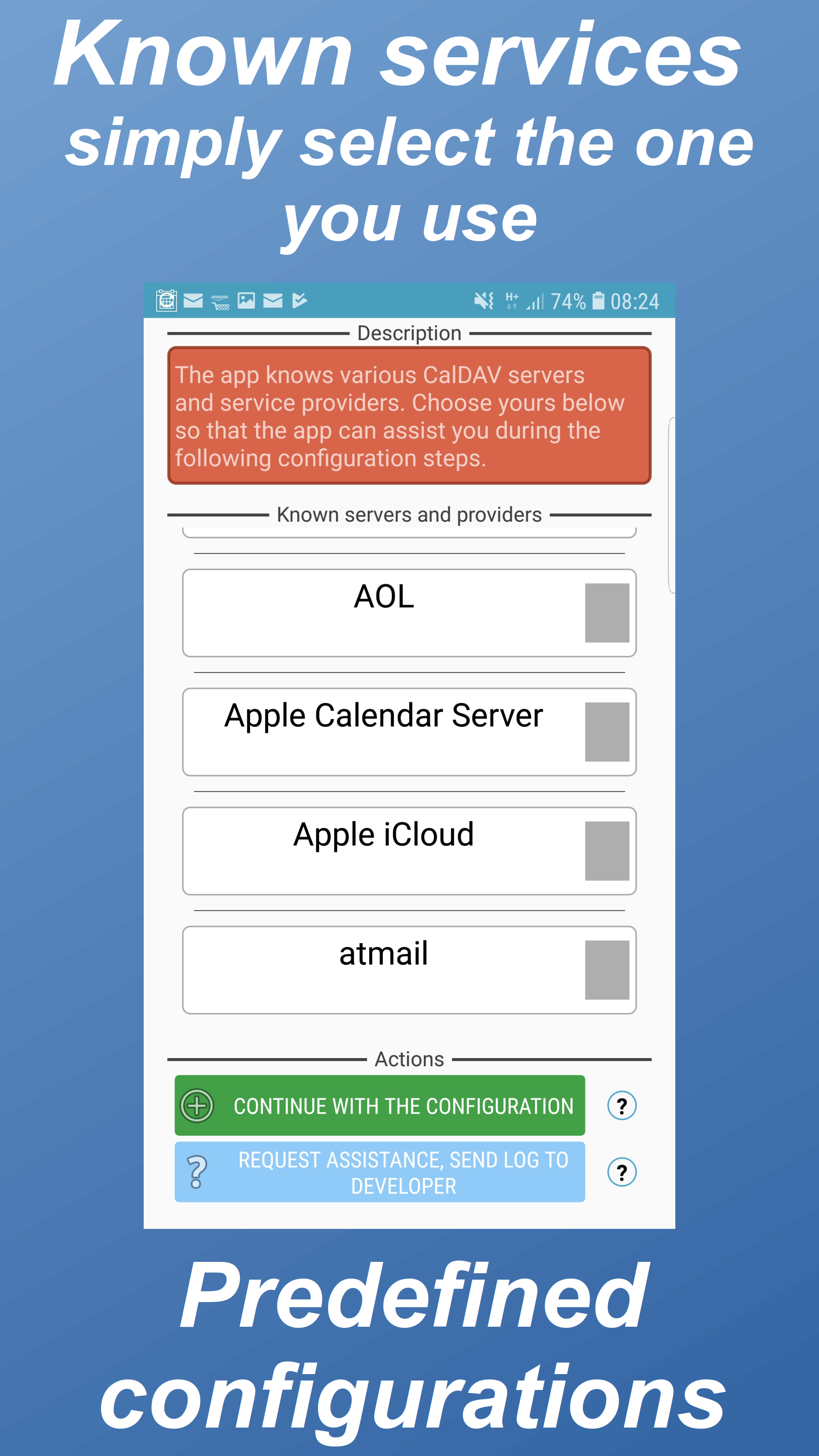
No worries, the app guides you through all the steps⊛Manage your calendars and create backups with just a few steps manually and even automatically ⊛Flexibility - There are already appointments stored on the device which should be pushed to the server?
You need individual sync intervals for each of your calendar data sources?
You want to exchange appointments between multiple servers and sources?
No worries, this and more is possible!⊛Designed for high speed calendar synchronization⊛Seamless integration with your device and your preferred calendar apps⊛Secure: All the sensitive information are encrypted before they are stored⊛No secrets, you can - if you wish - always see what is happening and why⊛Supports complex calendar situations and timezones, servers, and clients⊛Supports self-signed certificates and client certificate based clientserver authentication⊛Unique solutions for a variety of challenges.
You have special requirements?
Then the app has likely a solution ⊛New device?
Simply exportbackup your configuration and import it on the new device ⊛Multilingual: Supports English, German, French, Spanish, Portuguese If you are interested in translating the app then simply send me a mailInteresting features for large-scale orders:⊛Setup and configure your server connections through adb⊛Licensing for large-scale ordersPermissions:You can find detailed information to the permissions at our website.You would like to get assistance?
More details on the features or large scale orders are of interest to you?
Then please contact us at [email protected].
Be aware, that if you just give us a bad review we can hardly help you as additional information about your configuration is required to provide assistance.
We were already able to address tricky and unique scenarios, so simply contact us :)Google forces us to ask for additional permissions.
Those become relevant if you want to perform automatic syncs only if your device is connected to a specific WIFI network.
Being able to identify that network could theoretically be used to locate your device.
Hence, we now need to ask for permissions related to location services - although the app will never determine your location.For details on the additional features that were added please check out the change log in the app settings.
D
5
★
★
★
★
★
App does what I need and the developer is extremely responsive.









