
1.
Connect to the same local network as the projector.2.
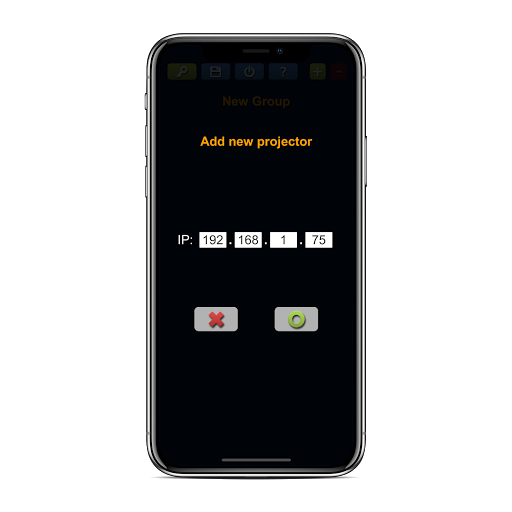
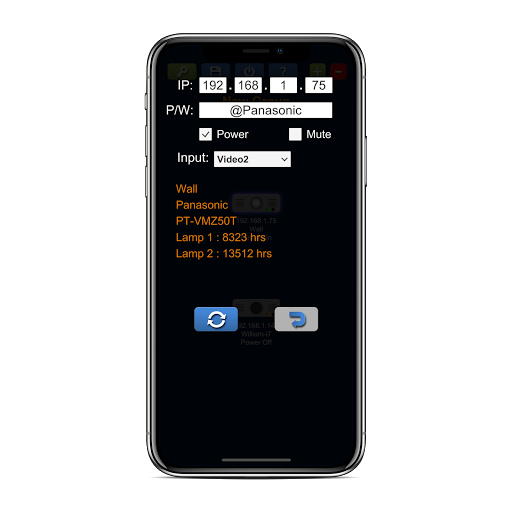
Confirm the IP address and password of the projector.3.
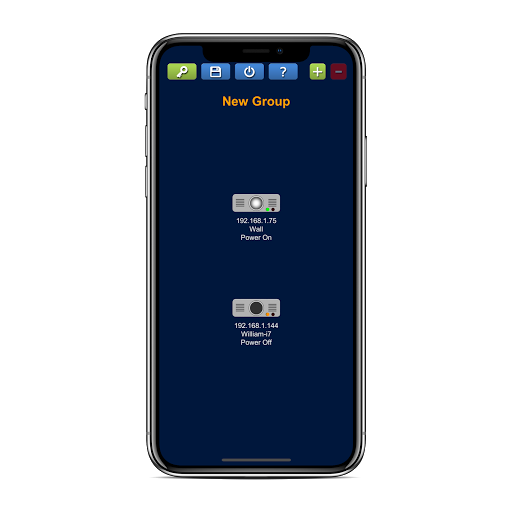
Press these buttons to add or remove projector.4.
Watch ads to enable file and power buttons.5.
Press file button to save and load settings.6.
Press power button to turn on/off all projectors.7.
Enjoy it !!
https://andro.io/app/handypjc
 Power 100

Android app profile
Handy PJC for Android – Latest Version & Features
★★★★★
(0 ratings)
Rate this app
How do you feel about Handy PJC?
Thanks for your feedback!
> 2.2k
Monthly Downloads
~$900
Estimated Cost
Screenshots









