
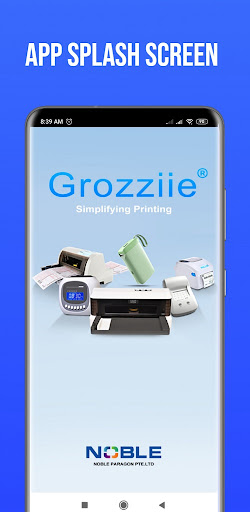
Grozziie PDF is a powerful and user-friendly printing app available on Google Play.
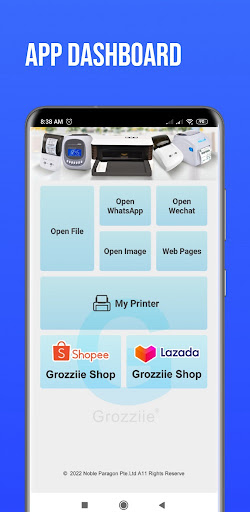
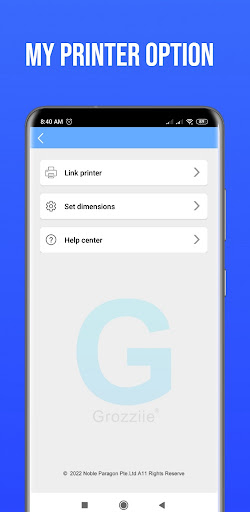
With this app, you can effortlessly print documents, photos, and more directly from your Android device.Key Features:Easy Setup: The app offers a simple and intuitive setup process to connect your Android device to a Bluetooth printer quickly.
No complicated configurations or technical knowledge is required.Versatile Printing: Print a wide range of file formats, including PDF, Word documents, and images.Multi-Format Support: The app supports various document types and provides options for adjusting print settings, such as paper size, orientation, and quality, to ensure optimal print results.Direct Printing: Forget about cables and PC connections.
Grozziie PDF allows you to send print jobs directly from your Android device to the nearby Bluetooth printer.Print Preview: Before printing, preview your documents or photos to avoid wasteful prints and make necessary adjustments.Print Management: The app keeps a record of your past print jobs, making it easy to track your printing history and manage your printing tasks efficiently.User-Friendly Interface: Grozziie PDF has a clean and intuitive interface that caters to users of all skill levels, ensuring a smooth and frustration-free printing experience.Fast and Reliable: Experience speedy printing with minimal delays, delivering your documents and photos in a timely manner.
https://andro.io/app/grozziie-printer
 Power 100

Android app profile
Grozziie PDF for Android – Latest Version & Features
★★★★★
(0 ratings)
Rate this app
How do you feel about Grozziie PDF?
Thanks for your feedback!
> 2.2k
Monthly Downloads
~$900
Estimated Cost
Screenshots









