
Easy and safe.
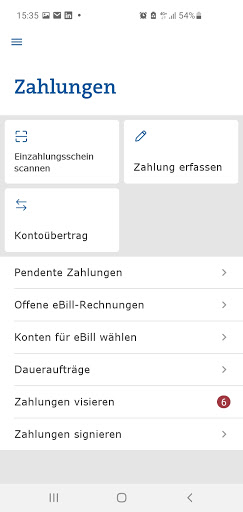
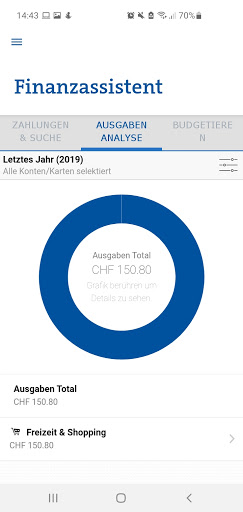
Your mobile banking.Do your personal financial transactions on the go today and download the GKB Mobile Banking App.Your advantages with the app:- Always keep an eye on your account balance and credit card spending- Safe and fast login with fingerprint or face recognition- Easily scan invoices- Bank when and where you want with our numerous functionsRequirement:You need your contract number and a mobile password to log in.
In order to be able to use the e-banking functions of the GKB app, activation via e-banking via computer is necessary.
You can also set a mobile password under settings in e-banking, which is only valid for logging in via the GKB Mobile Banking app.Legal notice:We would like to point out that by downloading, installing and / or using this application and the associated reference points to third parties (e.g.
app stores / Google Play, network operators, device manufacturers), a customer relationship with GKB can be derived.
Bank customer confidentiality can no longer be guaranteed by the possible disclosure of the banking relationship and possibly bank customer information to third parties (e.g.
if the terminal device is lost).You can find more information on GKB Mobile Banking at gkb.ch/mobile
https://andro.io/app/gkb
 Power 100


Android app profile
GKB Mobile Banking for Android – Latest Version & Features
by Graubündner Kantonalbank
★★★★★
(0 ratings)
Rate this app
How do you feel about GKB Mobile Banking?
Thanks for your feedback!
> 2.2k
Monthly Downloads
~$900
Estimated Cost
Screenshots




