
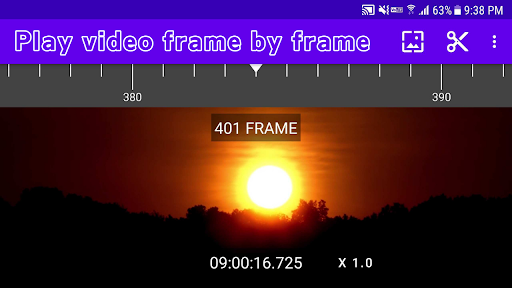
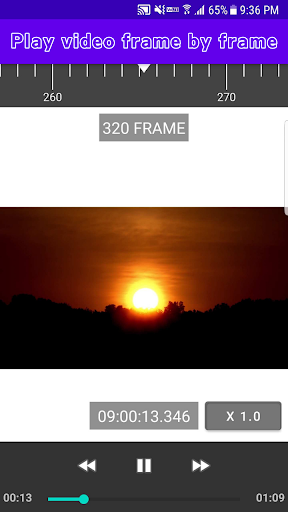
FFVPlayer (Frame by Frame Video Player) is the video player that supports frame-by-frame video playback, frame capture/extraction, and super-slow playback.
Supports both of video and animated GIF.** app features **- Video/GIF selection and loading- Playback video frame by frame- Seek to a specified frame number- Display frame number during playback- Display playback time in milliseconds- Save frame image of a moment in time- Extract frames by specifying the range- Automatic playback of loaded video- Super-slow playback ** Frame-by-frame video playback **The greatest feature of this app is frame-by-frame playback.
Seek to the specified frame number or display the frame number during playback.
Enjoy video playback that you cannot experience with ordinary video players!** Frame Extraction and Saving **Frame images can be extracted by specifying a range of frames.
Extracted frames are displayed in a list and can be saved individually or as a Zip file.
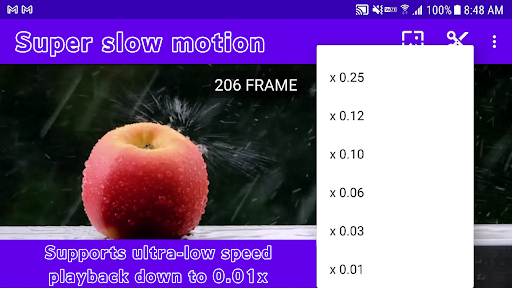
You can also convert a sequence of frames into a GIF animation (some functions are available only for Premium users).** Super Slow Playback **In addition to normal playback speed, this application supports super-slow playback at 0.25x to 0.01x.
Never miss a decisive moment!** Supports GIF playback **Not only video formats such as MP4, but also GIF animation playback is supported, which is useful for extracting GIF animation frames.** FAQ **Q.
Can I also play video sound?
--> A.
This app is a video player specialized for frame playback.
It does not support audio playback.Q.
The app crashes on startup --> Make sure your Android is online and reinstall the app.
https://andro.io/app/framebyframevideoplayer


Android app profile
Frame by Frame Video Player for Android – Latest Version & Features
by Bikaba Apps
Power 100
Rate this app
How do you feel about Frame by Frame Video Player?
Thanks for your feedback!
> 2.2k
Monthly Downloads
~$900
Estimated Cost
Screenshots




