
Only for Wear OS devices - API 28+Highly improved version of OLED GREEN watch face from "The Architects" Published with all permissions from the original author - B.
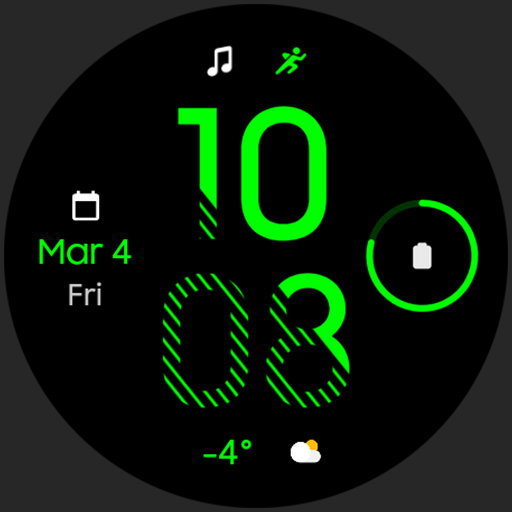
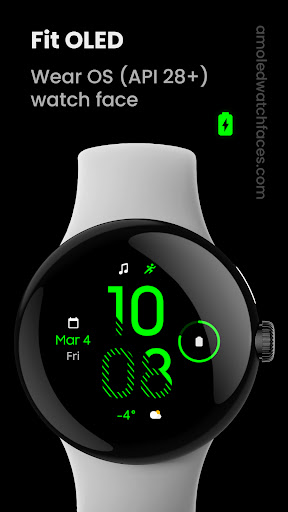
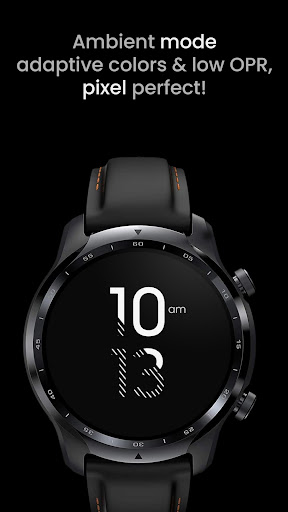
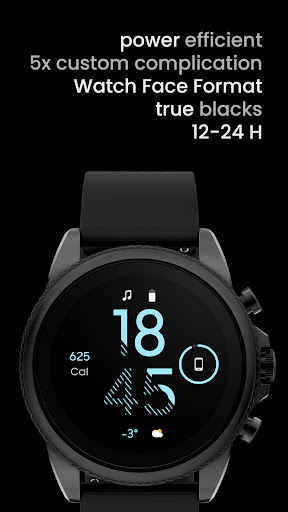
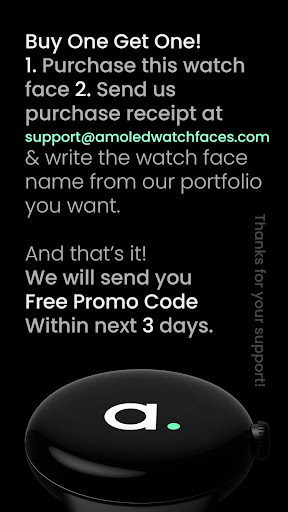
Bramantya - [email protected]://play.google.com/store/apps/details?id=org.bramantya.watchface.oledgreensplitfreePowered by Watch Face Formatamoledwatchfaces.comBUY ONE GET ONE OFFER!amoledwatchfaces.com/bogoADDITIONAL COMPLICATION APPSHealth Plugin; Distance, Calories, Floors, Heart Rate, Steps: https://bit.ly/3OULtDbComplications Suite: https://bit.ly/3yuRwr1Phone Battery Complication: https://bit.ly/3c31hozFavorite Apps Tile: https://bit.ly/8fks436FEATURES• true black background• optional seconds indicator• high resolution • PNGQuant optimized layers > battery friendly• 5x custom complications• ambient mode with low OPR & adaptive color & two styles• multi language• 12/24 H• battery friendlyWATCH FACE SETTINGS• long press watch center > open customization settings 1.
Seconds Indicator (Toggle) 2.
AOD Style (Dimmed down, Time only) 3.
Colors (30x) 4.
Complications / app shortcutsInstallation and troubleshooting guide:https://amoledwatchfaces.com/guidePhone app serves only as a placeholder to make it easier to install & find the watch face on your Wear OS watch.
You have to select your watch device from the install drop-down menuPlease send any issues reports or help requests to our support [email protected] our Telegram group for live support and discussionhttps://t.me/amoledwatchfacesamoledwatchfaces™ - Awf
https://andro.io/app/fitoled
 Power 100
Android app profile
Fit OLED: Watch face for Android – Latest Version & Features
★★★★★
(0 ratings)
Rate this app
How do you feel about Fit OLED: Watch face?
Thanks for your feedback!
> 2.2k
Monthly Downloads
~$900
Estimated Cost
Screenshots









