
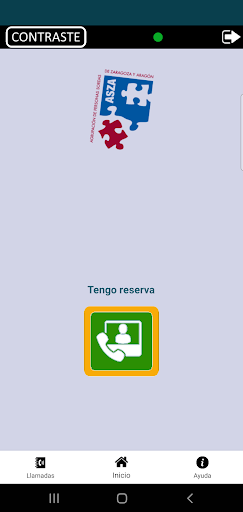
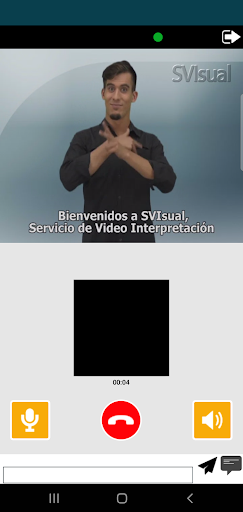
"Asza-SVILS 1.0" is an application that the Deaf People Association of Zaragoza and Aragón (ASZA) makes available to deaf people who have requested sign language interpretation services so that, if they so wish, they can be covered remotely by means of a video interpretation service, enabling ASZA to attend to a greater number of interpretation services in the area of its autonomous community by eliminating the travel times that the interpreters ofSign languages have to perform routinely for these types of services.
In this way, deaf people have access to face-to-face services from both the public administration and private entities, guaranteeing them equal opportunities and personal autonomy in their daily lives.This App has been conceived and designed for use on smartphones and tablets with Android 4.X or higher operating system that have a front camera.The use of the "Asza-SVILS" application requires an internet connection, either through a 3G / 4G / 5G data connection, or through a WiFi connection.In order to use the application, it is necessary to be previously registered as a user of the SVIsual service (http://www.svisual.org), to have requested ASZA (through the usual channels established for this)reservation of the service and have received confirmation of it.
https://andro.io/app/fcnseaszamobileappdroid
 Power 100


Android app profile
Asza-SVILS for Android – Latest Version & Features
by Grupo CESTEL - LNDETER - SYSCOM - DTEC
★★★★★
(0 ratings)
Rate this app
How do you feel about Asza-SVILS?
Thanks for your feedback!
> 2.2k
Monthly Downloads
~$900
Estimated Cost
Screenshots









