

WS File Explorer is a versatile file management application, designed to provide an efficient and flexible experience in browsing and managing files on your device.
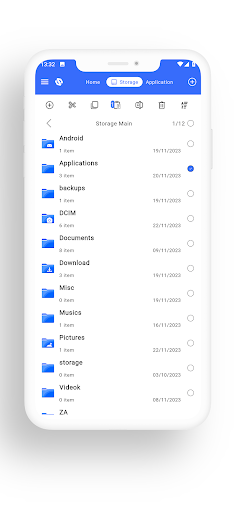
Integrated with many convenient functions, WS File Explorer not only helps you organize data effectively but also optimizes performance to meet diverse user needs.Main Features:Friendly User Interface:With a bright and easy-to-use user interface, WS File Explorer makes it easy for users to browse and manage files.
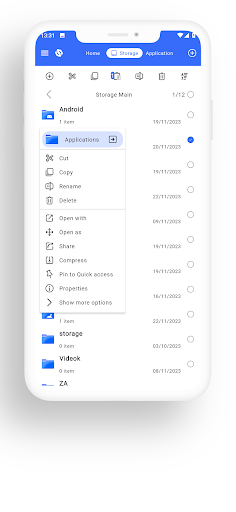
Icons and options are clearly arranged, creating the best user experience.Customize Interface:The app offers flexible interface customization options, allowing users to adjust colors, icons, and layout to their personal preferences, creating a unique and personalized user experience.File and Folder Management:The application allows users to conveniently copy, move, rename, delete files and folders, helping them browse and organize data effectively.Extract thumbnails:Download diverse Thumbnails for many file formats, including images, audio, video, compressed files, text, and other file types.
This function creates compact and easy-to-see thumbnails, helping users easily identify and quickly manage diverse content without having to expand each file.Integrated Tools:The application integrates many tools, including Application Management and Quick File Sharing.
Users can easily manage all installed applications and share files conveniently, creating a comprehensive and flexible experience on WS File Explorer.
https://andro.io/app/explorer-15hgy


Rate this app
How do you feel about WS File Explorer?
Thanks for your feedback!
> 2.2k
Monthly Downloads
~$900
Estimated Cost
Screenshots









