
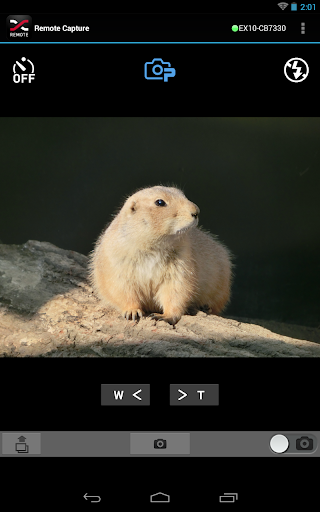
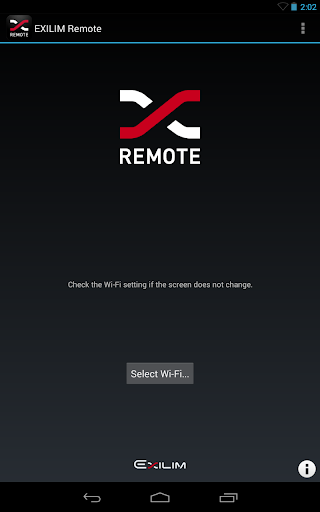
EXILIM Remote is a very useful application that allows you to send images to your smartphone using the Wi-Fi function of your CASIO digital camera or to use your smartphone as a remote control for the camera.Main functions of the application are as follows:Remote CaptureAllows you to remotely operate your camera with your smartphone to capture images.Send to SmartphoneAllows you to select and send still images or video clips captured with your camera to your smartphone.
After sending the images or clips to your smartphone, you can forward them easily to SNS.Launch Scene AppAllows you to launch the Scene photo app easily.Compatible digital camera:EX-100F, EX-100, EX-10, EX-ZR850, EX-TR50, EX-TR35, EX-TR15, EX-ZR50Compatible OS:Android 4.0 - 7.0Note:A compatible digital camera is required to run this application.For details on how to operate this application on the EX-TR15, visit the EXILIM Remote website at http://www.exilim.com/app/en/Connection with the camera may be affected when using a smartphone or other device with a function for “automatically switching Wi-Fi networks (Auto network switch)”.
Please disable the function (Auto network switch).
https://andro.io/app/exilimremote
 Power 100

Android app profile
EXILIM Remote for Android – Latest Version & Features
★★★★★
(0 ratings)
Rate this app
How do you feel about EXILIM Remote?
Thanks for your feedback!
> 2.2k
Monthly Downloads
~$900
Estimated Cost
Screenshots









