
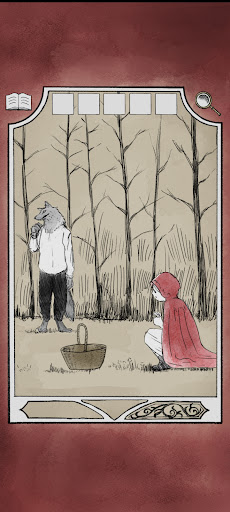
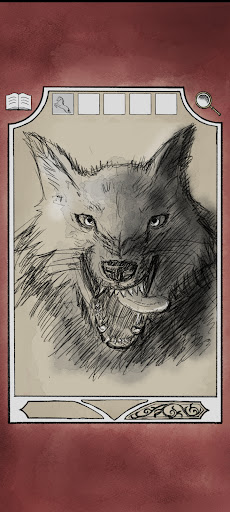
This game is a puzzle-solving escape game based on Grimms fairy tales.It features warm, slightly eerie hand-drawn illustrations that bring to life the world of fairy tales you saw in picture books when you were little.[About solving the mystery]There is no solution by crunching numbers.
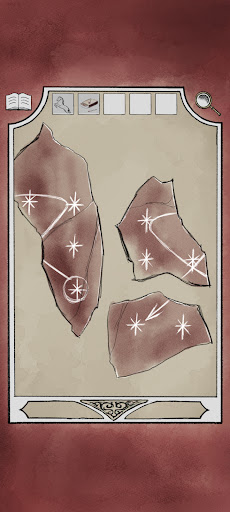
All puzzles are solved using pictures and shapes as hints, but the difficulty level of solving the puzzles is high.
Hint functions are available depending on the progress of solving the puzzle.【how to play】There is a brief tutorial at the start of the game.・Tap or drag suspicious places or areas of concern- You may be able to change the viewpoint using the arrow buttons at the bottom of the screen, or by tapping a specific location.・Select items by tapping the item slot・While an item slot is selected, tap the magnifying glass icon in the top right to enlarge it.・If you touch the gimmick while the item slot is selected, the item will be used.・If you select and use another item while enlarging the item, it will be combined.-Tap the book icon at the top left of the screen to display the menu screen where you can see hints.- Added save function.
https://andro.io/app/escapefromfairytail
 Power 100

Android app profile
童話世界からの脱出 EscapeFromFairyTail for Android – Latest Version & Features
by Yuichi Ito
★★★★★
(0 ratings)
Rate this app
How do you feel about 童話世界からの脱出 EscapeFromFairyTail?
Thanks for your feedback!
> 2.2k
Monthly Downloads
~$900
Estimated Cost
Screenshots









