
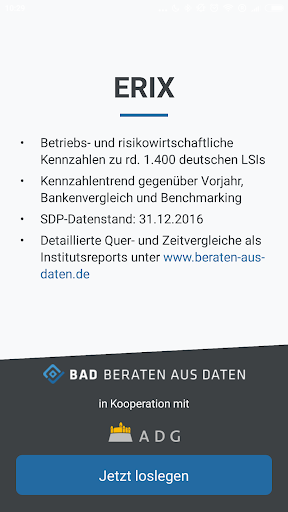
With the ERIX App central operational and risk management ratios to around can.
1400 German LSIs be quickly retrieved and compared with each other.
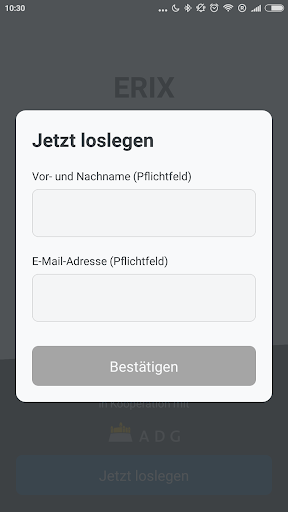
Also display the metrics trend over the previous year is.The app is free, the operation is simple: After registering Institute Name or alternatively headquarters of the bank (eg Stuttgart) can be entered and with several hits selecting the desired property from the displayed list in the upper input field.
Optionally another institution may be entered in the box below for comparison purposes.press "View" Now the field.
It appears the four key metrics size, income, capital and efficiency resistance index (ERIX) each on a separate "tile".
After activation of a tile, the detailed data of the respective code are displayed: Institute value, average, 90% -Quantilswert and - upon input of a comparison Institute - the value of this comparison bank.
For every detail value of the trend is indicated with the previous year.Enabling "compare" (top left), the user can return to the Overview of key figures.
Back to the starting point (enter Institute and comparison Bank) to go to the Key figures by pressing "Search" (top left).
https://andro.io/app/erix
 Power 100

Android app profile
ERIX for Android – Latest Version & Features
★★★★★
(0 ratings)
Rate this app
How do you feel about ERIX?
Thanks for your feedback!
> 2.2k
Monthly Downloads
~$900
Estimated Cost
Screenshots









