https://andro.io/app/eomirroring
 Power 100
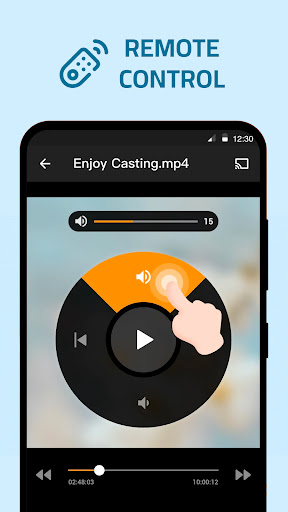
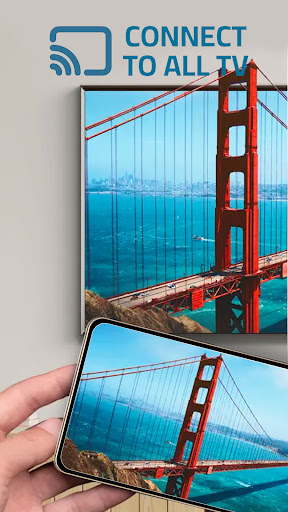
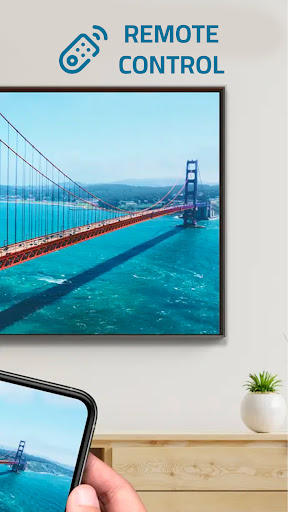

📺 Welcome to Cast To TV - Screen Mirroring !
Transform your viewing experience with our cutting-edge app designed to effortlessly cast, mirror, and enjoy your favorite content on the big screen.
⚡ How To Use Screen Mirroring:1.
Your TV should support Wireless Display or any sort of Display Dongles.2.
The TV must be connected to WI-FI network same as your phone.3.
Launch the app and connect the app to your TV.4.
Tap "Screen Mirroring" button and go for "Start Mirroring" button to get it started.
⚡ Features Screen Mirroring:Effortlessly cast videos, photos, and more from your phone to your TV screen.Seamless compatibility with Samsung TVs and Chromecast devices.Enjoy the thrill of mirroring your phones screen in real-time.Experience a smooth, lag-free mirroring experience for all your favorite content.
👍 Take control of your entertainment and elevate your viewing experience!
Download Cast To TV - Screen Mirroring now and unlock a new realm of possibilities for your phone and TV.Cast To TV - Screen Mirroring
🚀 Make the most of your screen time and turn your mobile device into a powerful entertainment hub with our user-friendly app!
Mirror, cast, and enjoy—anytime, anywhere!
📥 Download now Cast To TV - Screen Mirroring and discover the ultimate way to cast and mirror with ease!
Android app profile
Cast To TV - Screen Mirroring for Android – Latest Version & Features
★★★★★
(0 ratings)

Rate this app
How do you feel about Cast To TV - Screen Mirroring?
Thanks for your feedback!
> 2.2k
Monthly Downloads
~$900
Estimated Cost
Screenshots
About Cast To TV - Screen Mirroring
📺 Welcome to Cast To TV - Screen Mirroring !
Transform your viewing experience with our cutting-edge app designed to effortlessly cast, mirror, and enjoy your favorite content on the big screen.
⚡ How To Use Screen Mirroring:1.
Your TV should support Wireless Display or any sort of Display Dongles.2.
The TV must be connected to WI-FI network same as your phone.3.
Launch the app and connect the app to your TV.4.
Tap "Screen Mirroring" button and go for "Start Mirroring" button to get it started.
⚡ Features Screen Mirroring:Effortlessly cast videos, photos, and more from your phone to your TV screen.Seamless compatibility with Samsung TVs and Chromecast devices.Enjoy the thrill of mirroring your phones screen in real-time.Experience a smooth, lag-free mirroring experience for all your favorite content.
👍 Take control of your entertainment and elevate your viewing experience!
Download Cast To TV - Screen Mirroring now and unlock a new realm of possibilities for your phone and TV.Cast To TV - Screen Mirroring
🚀 Make the most of your screen time and turn your mobile device into a powerful entertainment hub with our user-friendly app!
Mirror, cast, and enjoy—anytime, anywhere!
📥 Download now Cast To TV - Screen Mirroring and discover the ultimate way to cast and mirror with ease!









