
Energy-efficient Human Mobility Sensing (EHMS) detects the real-time human mobility activity using only the embedded smartphone accelerometer.
Installation and running1.
Download and install the apk.2.
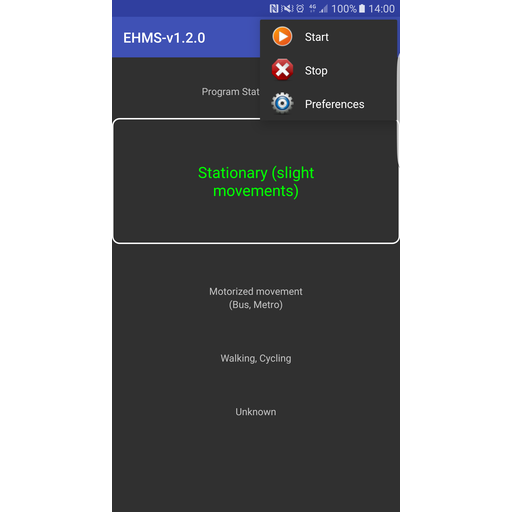
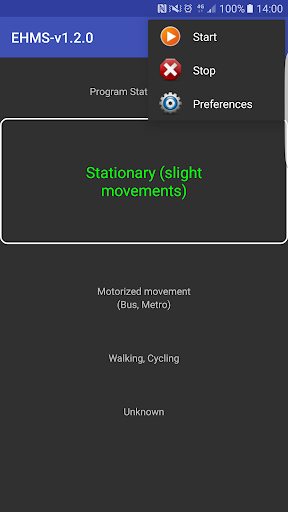
Select menu and click start the application.3.
To stop the application, select menu and click stop.
5.
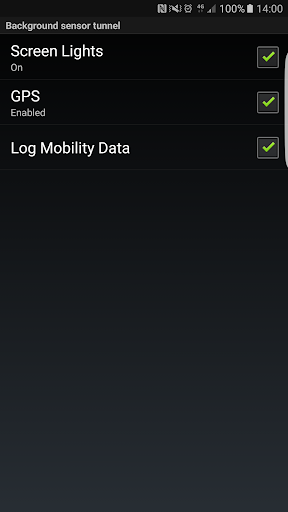
Select menu and click preferences to choose the desired background sensor tunnel and log mobility data.
The default is screen lights enabled.
This is required because the screen lights or CPU need to be running to invoke the accelerometer in background mode.
Displaying and downloading the resultsThe human mobility state is displayed in real-time (2 second constraint).
To log the human mobility state data to the smartphone local storage select the "Log mobility data" checkbox under Preferences menu.
The data is logged into a file named ehms_mobilitystate.log and errors logged into ehms_mobilitystate_error.log.
The data is saved in csv format.
All files are written to the root directory in the local storage.
The following human data is captured in ehms_mobilitystate.log:• Timestamp: system timestamp in the format dd/MM/yyyy HH:mm:ss• Human activity: the calculated user mobility state.• Latitude: is the longitude of the location fix (if GPS is enabled via the preferences option).• Longitude: is the longitude of the location fix (if GPS is enabled via the preferences option).
https://andro.io/app/ehms-vgp1
 Power 100
Android app profile
EHMS - Human Mobility Sensing for Android – Latest Version & Features
★★★★★
(0 ratings)
Rate this app
How do you feel about EHMS - Human Mobility Sensing?
Thanks for your feedback!
> 2.2k
Monthly Downloads
~$900
Estimated Cost
Screenshots









