
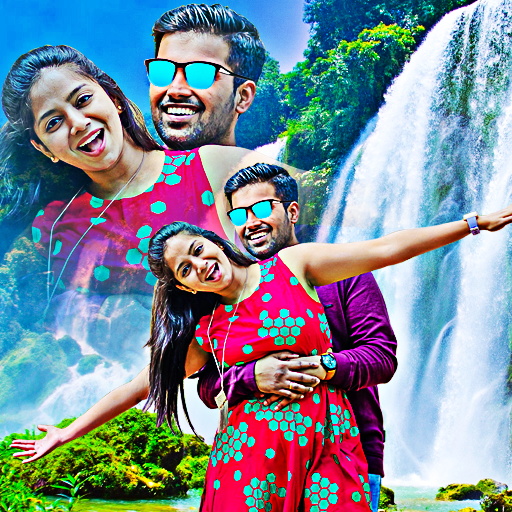
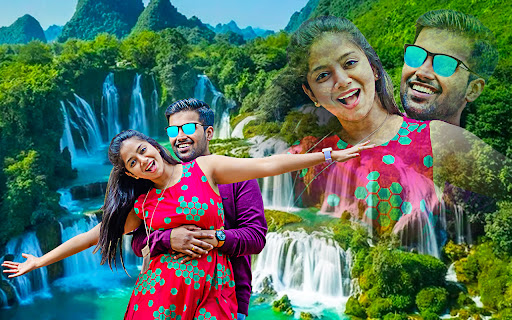
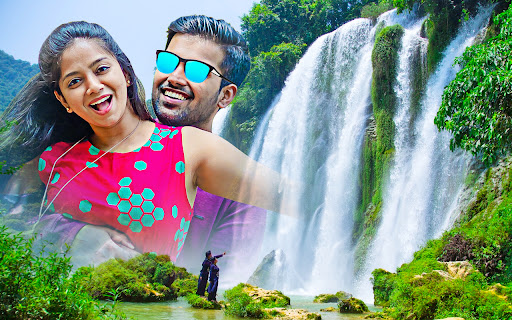
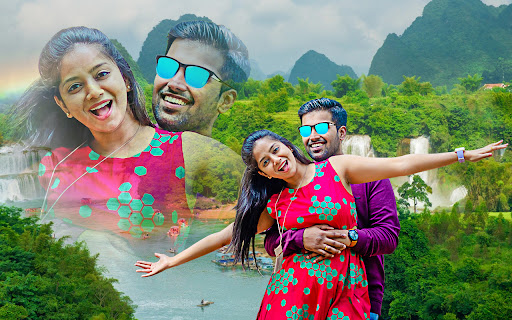
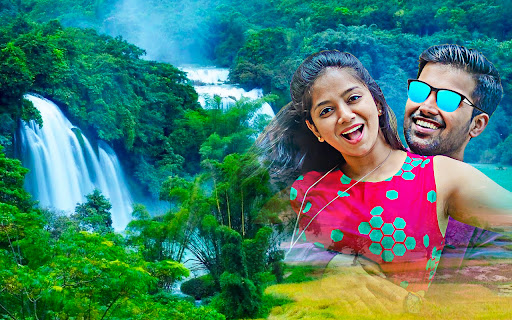
Waterfall photo mixer blender is an app for combining your photos with the ultimate backgrounds, which are given in our app.
With this app, you can edit your photos by adding backgrounds and applying overlays, effects, and stickers.Features :• Select your image from the camera or gallery.• You can crop your image by using the crop option.• Select the background from the group of backgrounds provided in the app, or you can choose your own background from the camera or gallery.• You can adjust the mixer radius and the opacity of your image.• You can adjust the brightness, contrast, saturation, and hue of your image.• By using the eraser option, you can remove the unwanted part from your image.• You can flip the background by using the flip option.• Add the text to your photo with the text option and apply different colors and fonts to your text.• You can apply the overlay, effects, and filters to your image.• Finally, save the image by clicking the save option and share it with your friends and social media platforms.
https://andro.io/app/editor-l3es
 Power 100
Android app profile
Waterfall photo mixer blender for Android – Latest Version & Features
★★★★★
(0 ratings)
Rate this app
How do you feel about Waterfall photo mixer blender?
Thanks for your feedback!
> 2.2k
Monthly Downloads
~$900
Estimated Cost
Screenshots









