
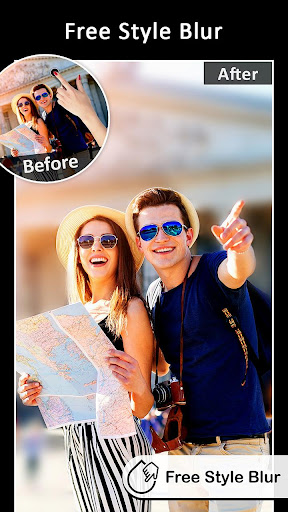
DSLR Blur Effects app provides the best blur tools to quickly create DSLR Camera effect on photos.Easy BLUR Tools and Photo Effects:
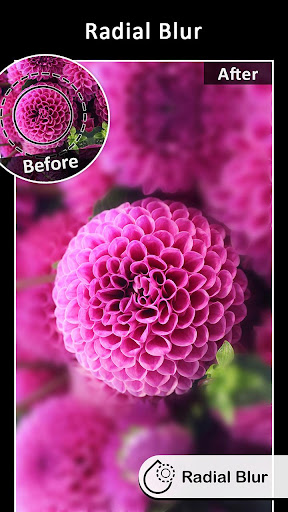
➤ Circular Blur - To create Focus on circular area(Adjustable Radius and Position)
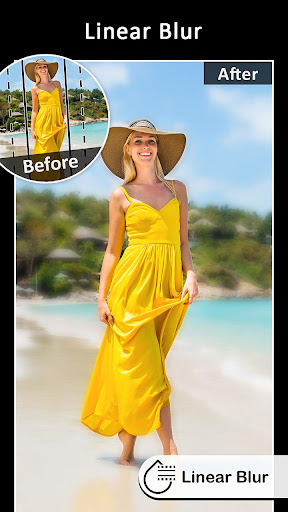
➤ Linear Blur - To create Focus on linear area(Adjustable Size, Position and Rotation)
➤ Auto Blur using color AI - To create Focus to color matching on image background area
➤ Free Hand drawing (Choose area) - To create Focus on image background area
➤ Point Focus (Touch to Focus) - To create Focus on finger touch area(Adjustable Brush Size and with Undo, Redo)
➤ Point Blur (Touch to Blur) - To create Blur on finger touch area(Adjustable Brush Size and with Undo, Redo)
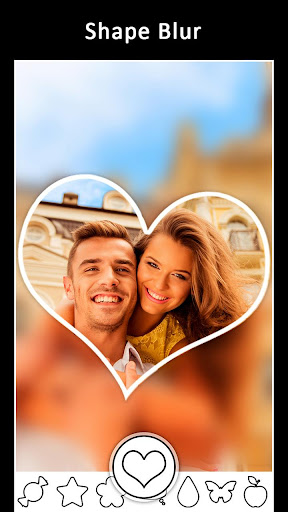
➤ Shape Blur(Multiple shapes like Heart, Star and many more..) - To create Shapes on Photos with Blur EffectsDSLR Blur effects gives you different options of Blur Types
➤ Motion Blur
➤ Gaussian Blur
➤ Line Blur
➤ Pixel BlurYou can use DSLR Blur for
➤ Blur image background.
➤ Shallow focus photo in the background of the image.
➤ Blur the unwanted part of your picture.
➤ Blur image background effect.
➤ Use brush to blur where you want.
➤ Share freely on social network.
➤ Blur or pixelation ( All or part ).DSLR is easy to use and provides quick tools like
➤ Apply Photo Filters
➤ Zoom In/ Zoom Out for precise blurringTry Now!!!!
https://andro.io/app/dslrblureffects
 Power 100
Android app profile
DSLR Blur Effects: Photo Focus for Android – Latest Version & Features
★★★★★
(0 ratings)
Rate this app
How do you feel about DSLR Blur Effects: Photo Focus?
Thanks for your feedback!
> 2.2k
Monthly Downloads
~$900
Estimated Cost
Screenshots









