
Easily transfer files to PC with simple setup.
Once you have installed the app and the PC software, you can immediately start sending files.
✔ High speed
✔ Super easy setup
✔ Works everywhere
✔ Send files within a few taps
✘ No need for internet
✘ No need for pairing or additional setup
✘ No need to be in the same WiFi networkFile transfer between your phone and laptop has long been difficult.
Alternative apps on the market usually require specific conditions, such as being in the same network, for them to work.
Others suffer from slow speeds.
Dropper aims at solving the impossible triangle of speed, convenience, and compatibility.
With our innovative approach, you can expect a quick and easy workflow when sending files to your PC, just like those who have iDevices!Download PC companion software: https://rebrand.ly/dropperpcdlPermissions required:Nearby devices and location: For scanning nearby Bluetooth devicesFiles, storage, and media: For accessing files to be sent to the PC.
https://andro.io/app/dropper-ia7h
 Power 100
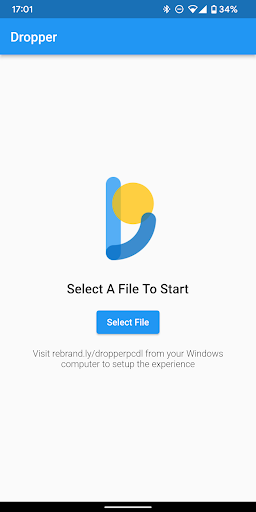
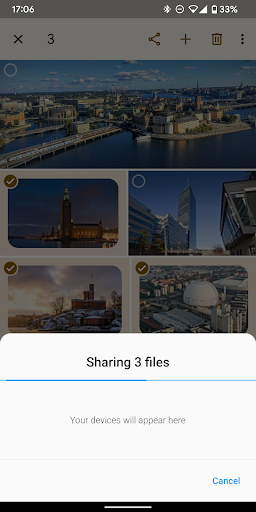
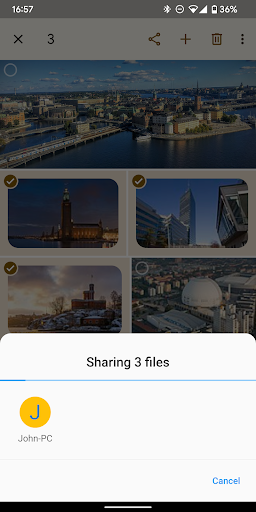

Android app profile
Dropper - File transfer to PC for Android – Latest Version & Features
★★★★★
(0 ratings)
Rate this app
How do you feel about Dropper - File transfer to PC?
Thanks for your feedback!
> 2.2k
Monthly Downloads
~$900
Estimated Cost
Screenshots









