
Doodles is a drawing application which allows you to draw, sketch or perform coloring activities.
The Doodles app can be a handy tool for you to sketch ideas you have in mind, save it in your phone and use it with other apps like Evernote.
It can also be a fun and entertaining tool for drawing, coloring and sharing your drawings with your friends via SMS or email.
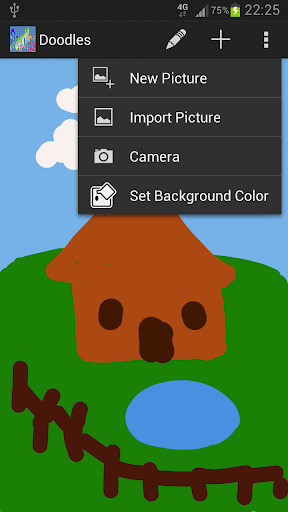
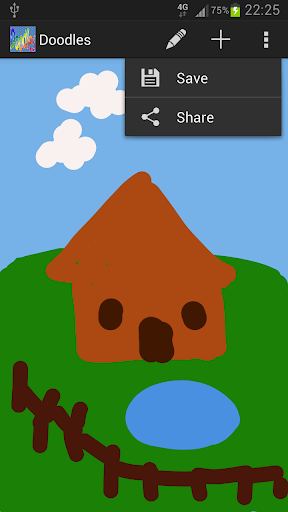
You can create drawings from scratch or draw on pictures imported from the sdcard in your phone.Features:- Edit (PaintBrush, Eraser, Undo, Redo, Add Text)- New (New Picture, Import Picture, Set Background Color)- Save / ShareHow to add text?1.
Select "Add Text" under the Edit Menu2.
Enter Text3.
Adjust desired Text Size using Seek Bar4.
Choose Text Color5.
Ensure that the "Add Text?" Check Box is Checked6.
Tap anywhere on screen to place the Text.
The text will be positioned centered to your finger position Note:1.
At the moment, the Undo/Redo function only works for the brush strokes and not the text.2.
Added text if placed at the position of any brush strokes will appear underneath the strokes.
If you need to place text on top of the brush strokes, the way to work around this is to save the drawing and then import it into the app before adding the text.
https://andro.io/app/drawing-qc5j


Rate this app
How do you feel about Doodles?
Thanks for your feedback!
> 2.2k
Monthly Downloads
~$900
Estimated Cost
Screenshots









