
GOV.UK ID Check is a secure way to confirm your identity when you sign in to a government service with GOV.UK One Login.
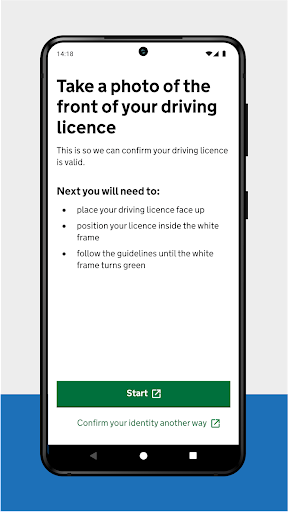
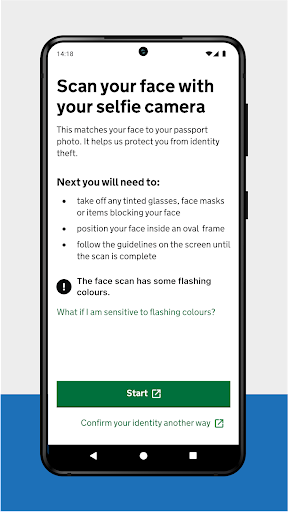
It works by matching your face to your photo ID.Before you startYou can use any of the following types of photo ID if it has not expired:• UK photocard driving licence • UK passport • non-UK passport with a biometric chip• UK biometric residence permit (BRP)• UK biometric residence card (BRC)• UK Frontier Worker permit (FWP)You will also need:• a well-lit area where you can take a good quality photograph• an Android phone running Android version 10 or higherHow it worksIf your photo ID is a driving licence you will:• take a photo of your driving licence• scan your face using your phoneIf your photo ID is a passport, BRP, BRC or FWP you will:• take a photo of your photo ID• scan the biometric chip in your photo ID using your phone• scan your face using your phoneWhat happens nextThe app only helps confirm your identity.
You will return to the website of the government service you were accessing to view the results of your identity check.Privacy and securityYour personal information will not be stored in the app, or on the phone when you finish using it.
We collect your data securely and delete it when it is no longer needed.
https://andro.io/app/documentchecking
 Power 100


Android app profile
GOV.UK ID Check for Android – Latest Version & Features
★★★★★
(0 ratings)
Rate this app
How do you feel about GOV.UK ID Check?
Thanks for your feedback!
> 2.2k
Monthly Downloads
~$900
Estimated Cost
Screenshots









