
Free remote desktop app for personal and commercial use.
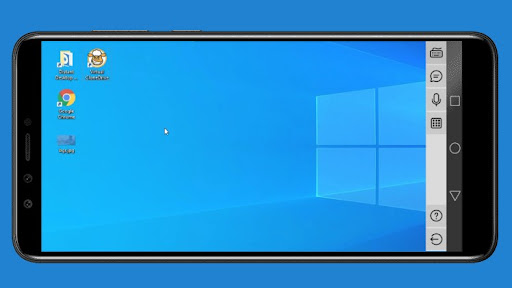
No limits.With Distant Desktop you can access and control Windows computers remotely.
Its a handy tool for remote workers, network administrators, and remote support teams.All you need is to install this app to your Android device, then download and run Distant Desktop for computer from www.distantdesktop.com.
You will see automatically generated credentials.
Use these credentials for remote connection to your PC.
Key features: • Remote control of Windows PCs from your mobile device; • Cursor and keyboard manipulation; • Zoom in and zoom out; • Instant commands: send hot-key, lock, reboot or shut down PC; • Voice communication with remote partner; • Text chat.
https://andro.io/app/distantdesktop
 Power 100



Android app profile
DistantDesktop Remote Desktop for Android – Latest Version & Features
★★★★★
(0 ratings)
Rate this app
How do you feel about DistantDesktop Remote Desktop?
Thanks for your feedback!
> 2.2k
Monthly Downloads
~$900
Estimated Cost
Screenshots









