
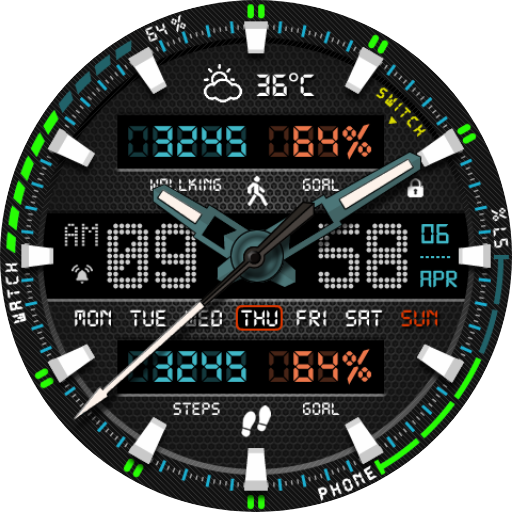
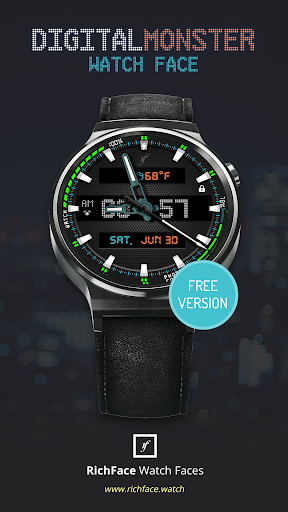
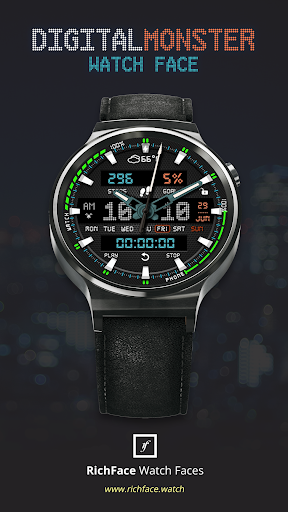
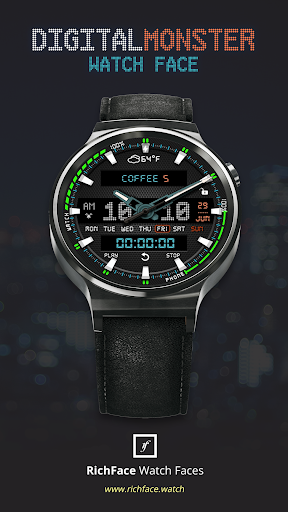
Digital Monster Watch Face for WearOS is true eye-catcher with digital characteristics and interactive functions.Watch face contains a huge number and user friendly settings on the watch and the phone companion app.The Wear OS comes with external complication which this watch face supports completely.
★
★
★ DISCLAIMER:
★
★
★ The watch face is standalone app but the complication for phone battery requires a connection with the companion app on Android phone devices.
iPhone users can not have this data due to iOS limitation.
★ Digital Monster Watch Face is fully WearOS supported
★ Wear OS integration • Fully standalone!
(iPhone and Android compatible) • External complication data for the indicators
★ Compatible with all Wear OS smartwatches
★ Free version Complications: • Phone battery • Watch batter Options: • Change color • 24 hour format • Translucent peek card • Small peek card • Leading zero • Smooth seconds • Screen time
★ NEW option for paid version
★ • Vibrate on every hour
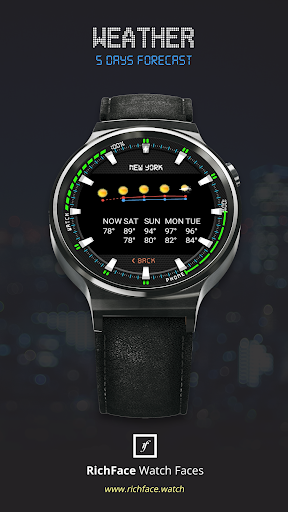
★ Paid version Built-in complications • Steps • Distance • Walking • Running • Biking • Calories • Fit statistics • Stopwatch • Coffee counter • Water counter • HR sensor Options: • External complications • Change color • 24 hour format • Leading zero • Screen time • Forecast • Full ambient mode option • Change color preset on tap • Tap indicator • Weather settings (location, providers, frequency update, units)
★ FAQ!!
Please contact us if you have any trouble with the app !!
[email protected] do I install the watch face on WearOS?1.
Install it from Google Play Wear Store on your watch.
2.
Install the companion app for fully customization (Android phone devices).How do I install the watch face on WearOS 1.0?1.
After install run Re-sync app from the WearOS app.2.
Long press your watch and choose Digital Monster Watch Face as your watch face, or select the watch face using the WearOS app.
★ PERMISSIONS Explainedhttps://www.richface.watch/privacy
https://andro.io/app/digitalmonster
 Power 100
Android app profile
Digital Monster Watch Face for Android – Latest Version & Features
by RichFace
★★★★★
(0 ratings)
Rate this app
How do you feel about Digital Monster Watch Face?
Thanks for your feedback!
> 2.2k
Monthly Downloads
~$900
Estimated Cost
Screenshots









