
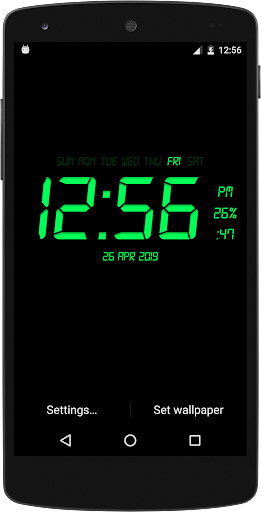
Digital Clock Live Wallpaper that displays current time, date and day of the week.
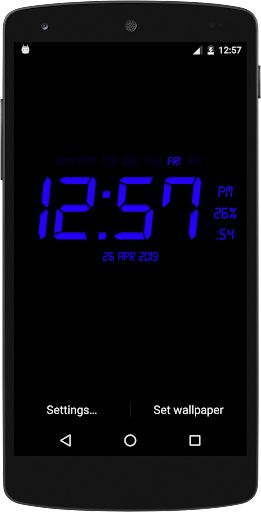
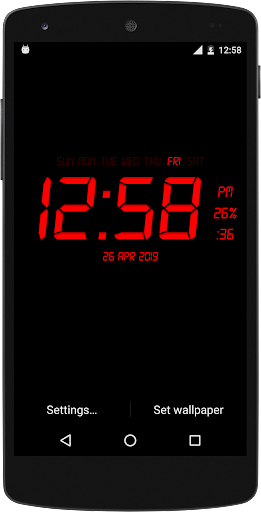
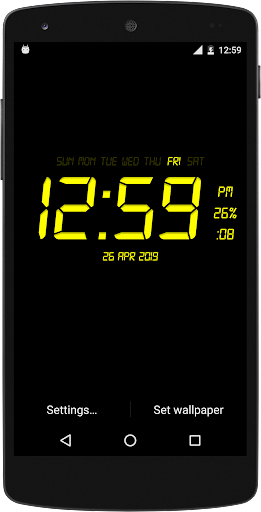
All date and time formats are supported.Customize your digital clock live wallpaper in your style , you can change clock and background color according to youLive Wallpaper that displays current time, date and battery charge percentage .
All date formats are supported.Names of month and day of week and year is displaying on screenFeatures:-*Change Font of Clock.*Change Font Size of Clock.*Time format (12Hr & 24Hr).*Selected color set on your digital clock live wallpaper.*Displays Current Day Date(Enable/Disable) *Change format of Date Display*Change clock text and background color*Glow Effect(Enable/Disable)*Display second (Enable/Disable)*Display battery percentage (Enable/Disable)Hints:-* To change date or time press: "Settings - Date and Time format".Use:-Press button "Settings..." to configure the wallpaper.
Press button "Set wallpaper" to set it and start to use.
You may configure wallpaper again.
https://andro.io/app/digitalclocklivewallpaper-1dl0d
 Power 100
Android app profile
Digital Clock Live Wallpaper for Android – Latest Version & Features
by YadavApp
★★★★★
(0 ratings)
Rate this app
How do you feel about Digital Clock Live Wallpaper?
Thanks for your feedback!
> 2.2k
Monthly Downloads
~$900
Estimated Cost
Screenshots




