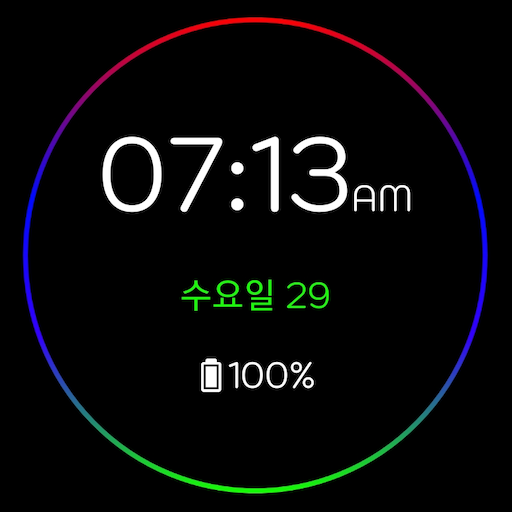

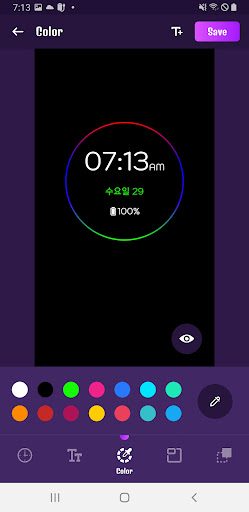
Digital Clock LWP – Digital Clock AODDigital clock LWP & AOD app allows you to customize and create a digital clock live wallpaper for your phone screen.
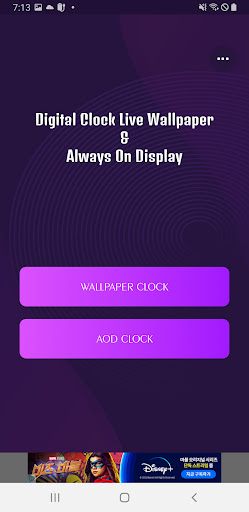
Digital clock LWP app provides an amazing collection of LED style digital clock live wallpapers and set as home screen, home screen and lock screen wallpaper.Set your photo as the background of your digital clock live wallpaper and spice up your phone screen.Whats Included in Digital Clock LWP & AOD?You can set the desktop clock and Always on Display (AOD) clock options as wallpaper.
In this option you will have digital clock and emoji clock options with huge collection of amazing digital clock live wallpapers to set on your phone screen.
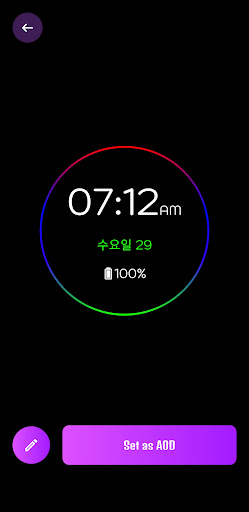
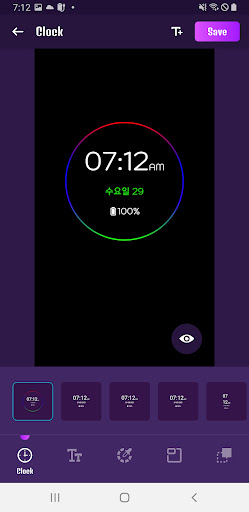
Easily edit or create your own digital clock LWP and Always On Display clock wallpaper.
All created LED style digital clock live wallpapers are stored in MY Creation.With this digital clock LWP & AOD wallpaper app you can check the time and date on your mobile home screen and you dont need to check it on your phone.- Can be set to display battery percentage.
- Enable 24 hour format.
- You can set vibration in Always ON Screen.
- Single tap, double tap, swipe up, swipe down and shake to exit AOD screen.
- Adjust the AOD brightness.
- Set the end point of the AOD screen.
- You can set AOD screen rules according to battery percentage.
- Exit AOD by activating the home button.
- You can turn on the AOD screen with the volume button.
https://andro.io/app/digitalclock-1cbl3
Rate this app
How do you feel about Digital Clock LWP – AOD?
Thanks for your feedback!
> 2.2k
Monthly Downloads
~$900
Estimated Cost
Screenshots









