
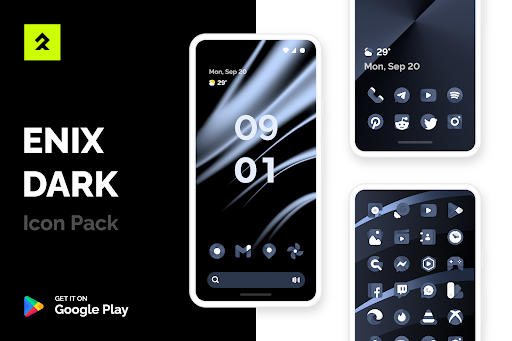
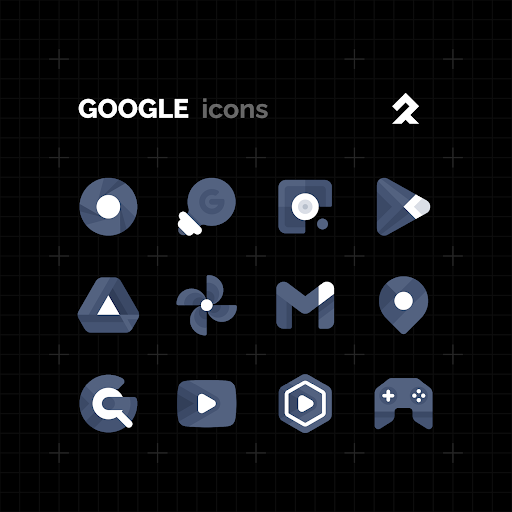
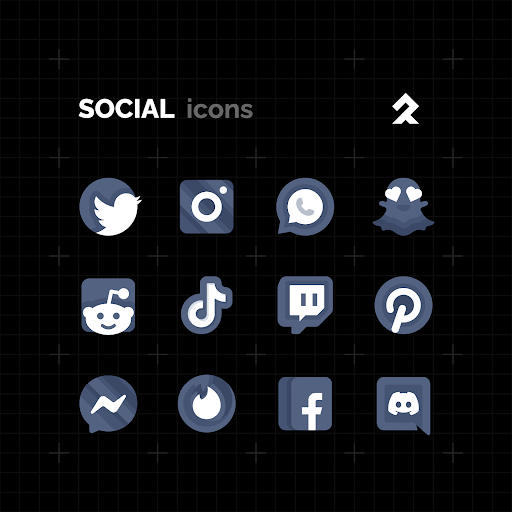
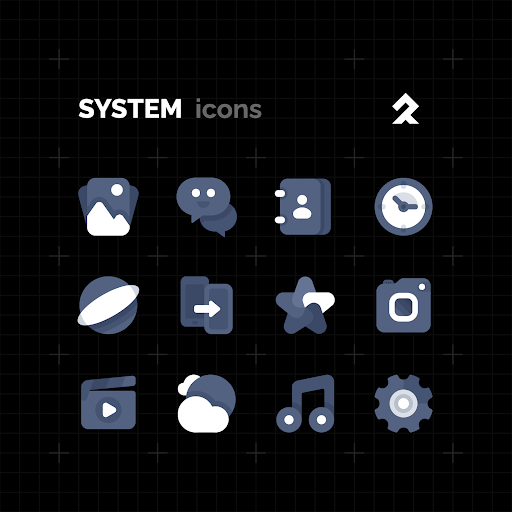
The perfect harmony of black and white colorsFEATURES:• 2300+ Premium quality handcrafted icons• Lots of alternative icons• Cloud based Wallpapers • Icon request tool• Regular UpdatesHow to use this Icon pack?1.
Install a supported Launcher2.
Open ENIX DARK, go to Apply section and Select Launcher to apply.
If your launcher is not in a list make sure you apply it from your launcher settingsDISCLAIMER• A supported launcher is required to use this icon pack!• FAQ section inside the app which answers a lot of questions you may have.
Please read it before you emailing your question.SUPPORTED LAUNCHERS: • Action Launcher • ABC Launcher • ADW Launcher • Apex Launcher • Atom Launcher • ASAP Launcher • Aviate Launcher • CM Theme Engine • Cobo Launcher • Evie Launcher • Flick Launcher • GO Launcher • Holo Launcher • iTop Launcher • KK Launcher • Lawnchair • LG Home • Line Launcher • Lineageos Launcher • Lucid Launcher • M Launcher • Mesh Launcher • Microsoft Launcher • Mini Launcher • MN Launcher • Next Launcher • New Launcher • Niagara Launcher • Nougat Launcher • Nova Launcher • Open Launcher • OnePlus Launcher • Peek Launcher • Poco Launcher • S Launcher • Smart Launcher • Solo Launcher • Tsf Launcher • V Launcher • Z Launcher • ZenUI Launcher • Zero LauncherThis icon pack has been tested and works with these launchers.
It could probably work with others that havent been mentioned.
If you cant find an apply section in the control panel, you can apply an icon pack from the launcher settings.CONTACT ME:Twitter: https://twitter.com/lkn9xTelegram: https://t.me/lkn9xInstagram: https://www.instagram.com/lkn9x
https://andro.io/app/dark-16dt7
 Power 100
Android app profile
ENIX DARK Icon Pack for Android – Latest Version & Features
by LKN9X
★★★★★
(0 ratings)
Rate this app
How do you feel about ENIX DARK Icon Pack?
Thanks for your feedback!
> 2.2k
Monthly Downloads
~$900
Estimated Cost
Screenshots









