
VERY BAD
https://andro.io/app/dandroidmobile-androlinux
Power 100
Android app profile
AndroLinux - Linux for Android for Android – Latest Version & Features
★★★★★
(8608 ratings)
Rate this app
How do you feel about AndroLinux - Linux for Android?
Thanks for your feedback!
> 2.2k
Monthly Downloads
~$900
Estimated Cost
Screenshots
About AndroLinux - Linux for Android
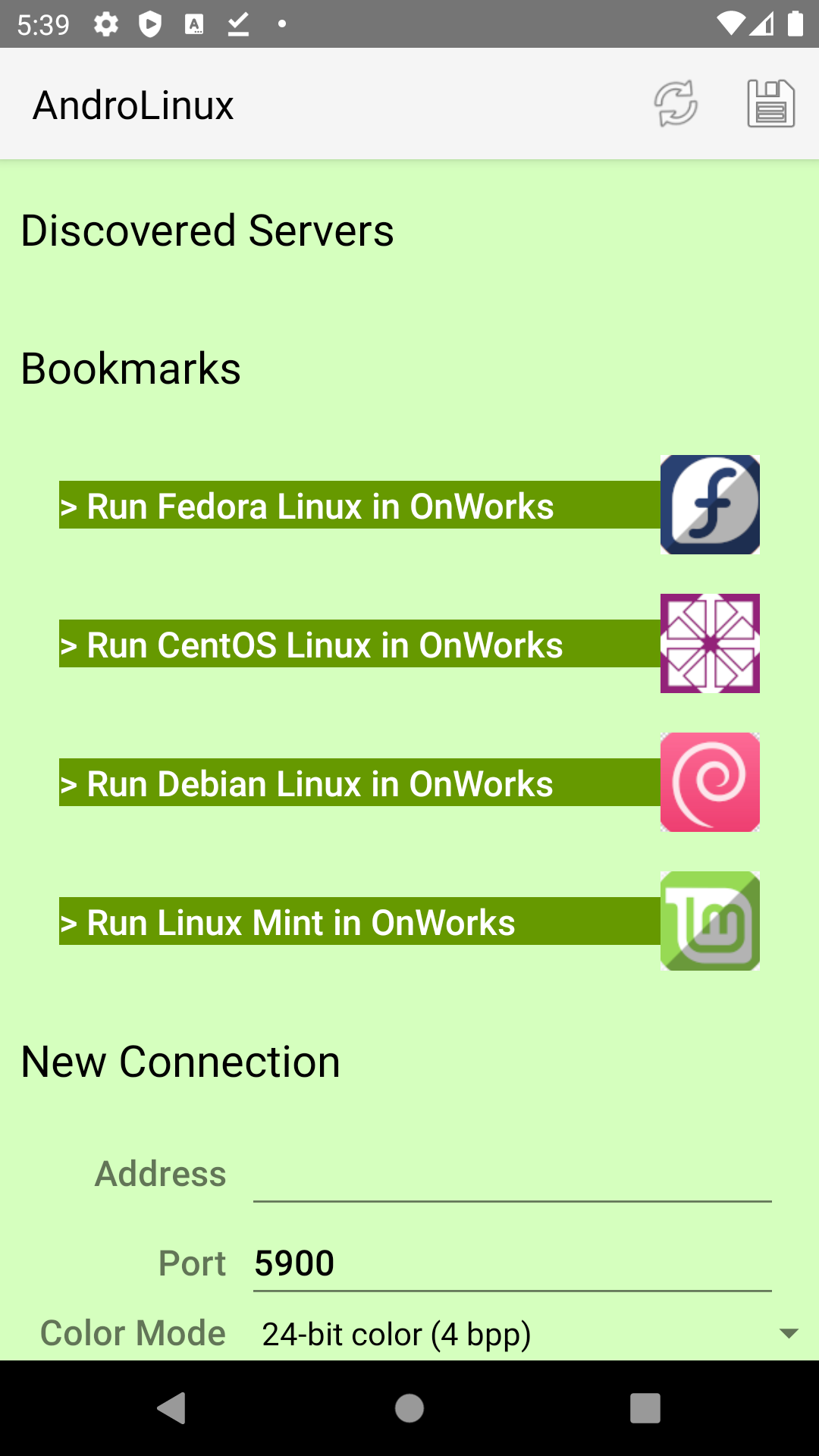
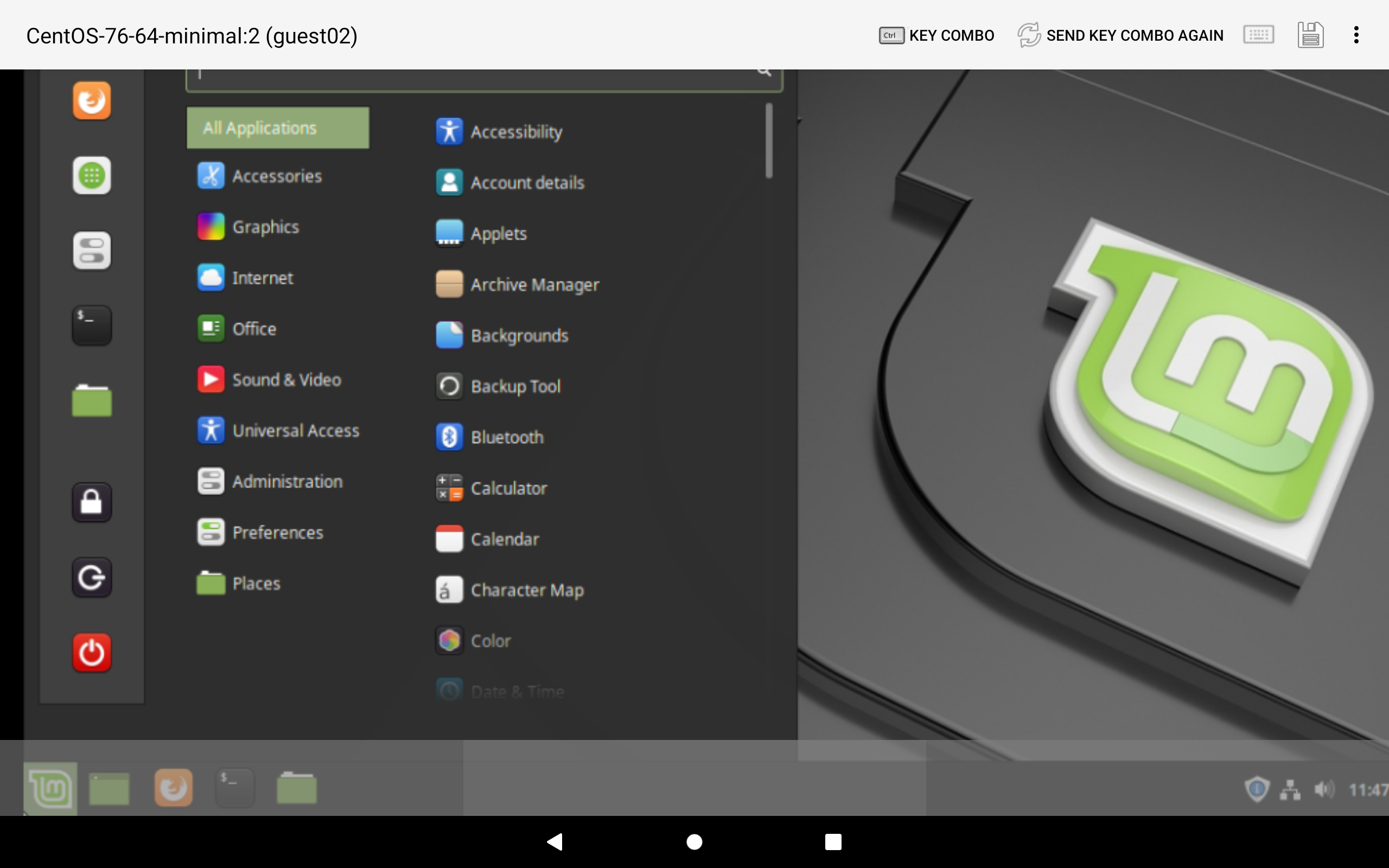
This app provides you a Linux system with a GNOME desktop environment that is composed entirely of free and open-source software.
It provides an intuitive interface.
It is fast, secure and with thousands of apps to choose from.
It is based on the Fedora and Centos OS.The features and main components are inherited from the Linux Fedora OS: - Open source operating system.- A shell to use a special interpreter program which can be used to execute commands of the operating system.
It can be used to do various types of operations, call application programs etc.- Better security, no susceptibility to virus and malware infestation.- Office software to create professional documents, spreadsheets and presentations.- Tools to edit your photos or create professional illustrations and designs.- Utilities to keep up to date with your friends and colleagues quickly and easily.- Hundreds of games.This app is an access to a Linux online that is run remotely in our new OnWorks platform.
Note that in order to use this app you must use the following actions with your fingers: - Left-click: Tap once.
- Double-click: Double-tap.
- Right-click: Tap, hold and tap with a second finger (anywhere else on screen).
- Middle-click: Tap, hold and tap with two more fingers (anywhere else on screen).
- Mouse-drag: Tap, hold long and move your finger.
- Scroll-wheel: Two-finger drag up/down and left/right.
- Zoom in/out with your fingers.
- Send text: Click on the button keyboard.This app uses the Linux license.
Hence it can be installed and distributed for free.New integration with our Onworks platform that provides Linux online.Ad insterstitial - policy compliance with Google.
It provides an intuitive interface.
It is fast, secure and with thousands of apps to choose from.
It is based on the Fedora and Centos OS.The features and main components are inherited from the Linux Fedora OS: - Open source operating system.- A shell to use a special interpreter program which can be used to execute commands of the operating system.
It can be used to do various types of operations, call application programs etc.- Better security, no susceptibility to virus and malware infestation.- Office software to create professional documents, spreadsheets and presentations.- Tools to edit your photos or create professional illustrations and designs.- Utilities to keep up to date with your friends and colleagues quickly and easily.- Hundreds of games.This app is an access to a Linux online that is run remotely in our new OnWorks platform.
Note that in order to use this app you must use the following actions with your fingers: - Left-click: Tap once.
- Double-click: Double-tap.
- Right-click: Tap, hold and tap with a second finger (anywhere else on screen).
- Middle-click: Tap, hold and tap with two more fingers (anywhere else on screen).
- Mouse-drag: Tap, hold long and move your finger.
- Scroll-wheel: Two-finger drag up/down and left/right.
- Zoom in/out with your fingers.
- Send text: Click on the button keyboard.This app uses the Linux license.
Hence it can be installed and distributed for free.New integration with our Onworks platform that provides Linux online.Ad insterstitial - policy compliance with Google.
User Reviews
A
1
★
★
★
★
★
C
1
★
★
★
★
★
i get crashes when i have no internet, PIS FIX THIS BUG
X
1
★
★
★
★
★
WORST EMULATOR EVER!!!!! you get the laggiest mouse YOH YOU CAN'T EVEN CLICK ON THINGS THE WORST THING EVER
A
5
★
★
★
★
★
Well I really liked it it it was super good but the mouse was a little bit laggy but it's ok
Y
1
★
★
★
★
★
Useless
R
1
★
★
★
★
★
Free remote desktop is good. But bad experience, small display, lag, etc.
S
5
★
★
★
★
★
Good but a bit slow






