
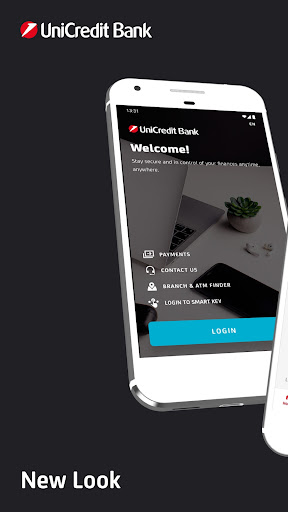
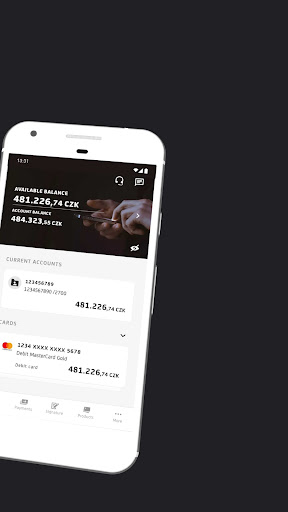
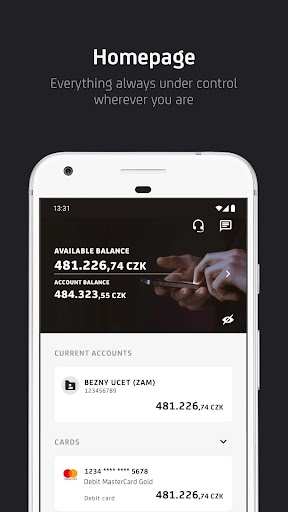
With Business Smart Banking you always have your bank at your fingertips.
The application is user-friendly and secure most of all.
It enables you to enter payments, create and edit standing orders, pay a credit card, or activate a debit card.
The application access as well as payment signatures are protected by your PIN, fingerprint, or Face ID.Business Smart Banking also includes a Smart Key, which generates a one-time login and login codes for BusinessNet.But the application can do many more things!
• Learn about what’s going on in your account after you turn on the Push Notification.
• Have you lost a credit or debit card?
You can simply temporarily block and unblock the card for free in the app.
• You can also make a payment by scanning a QR code (QR payment).
• In BusinessNet you can use the Payment templates and stored Beneficiaries in the Smart Banking application.
• Get an instant overview of currency rates.
• Account statements, statements for credit cards and other documents can be found in Documents.
• Are you searching for an ATM or UniCredit Bank branch?
You can quickly find them in the application.How to activate the app?Install the application and ask a banker at UniCredit Bank for activation.
https://andro.io/app/cz-pt5k
 Power 100

Android app profile
Business Smart Banking for Android – Latest Version & Features
by UniCredit Bank Czech Republic and Slovakia, a.s.
★★★★★
(0 ratings)
Rate this app
How do you feel about Business Smart Banking?
Thanks for your feedback!
> 2.2k
Monthly Downloads
~$900
Estimated Cost
Screenshots









