
With Acronis Cyber Files, your team is better connected, more productive and more secure when using their Android mobile devices as an extension of your organization – whether they are sharing files with colleagues, customers, partners, or vendors.NOTE: This mobile app is for use with the business-class Acronis Cyber Files Cloud or Acronis Cyber Files solutions.
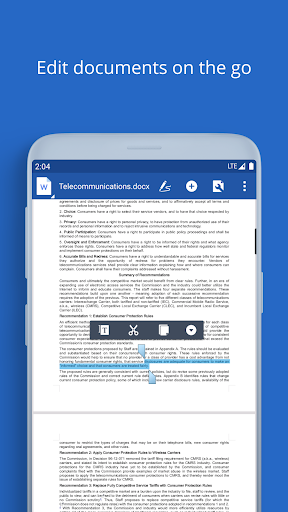
Contact your companys IT organization or service provider for help setting up the app.With Acronis Cyber Files you can: • Securely browse files located on enterprise file servers, such as SharePoint servers, NAS, CMIS, and Acronis servers • Effortlessly access files on Distributed File System (DFS) shares • Easily edit and create Office documents within the app (e.g..doc, .docx, .xls, .xlsx.
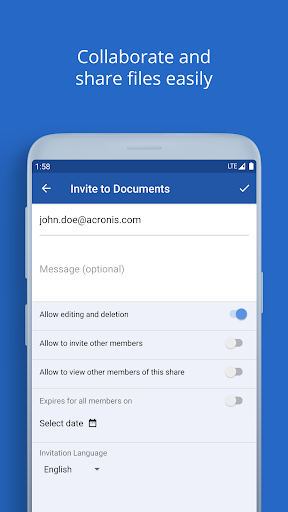
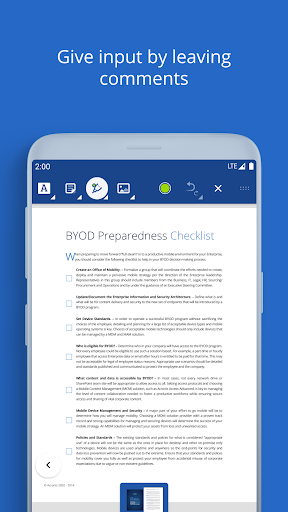
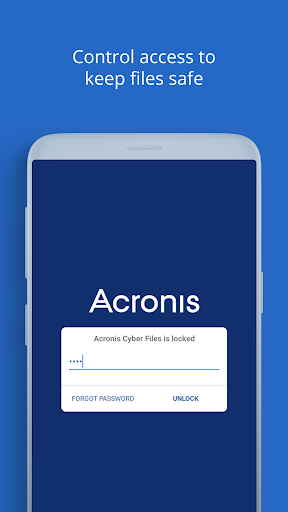
ppt, .pptx) • Quickly search for files by file name or content • Privately share folders or documents to collaborate or give recipients “view-only” access • Clearly annotate PDF files within the app for review and approval • Automatically sync folders and files 1-way or 2-ways between server and device • Completely protect your files with built-in encryption and access controls • Selectively remote-wipe all app configuration and in-app files on lost or stolen devicesLearn more about Acronis Cyber FilesLearn more about Acronis Cyber Files Cloud
https://andro.io/app/cyberfiles
 Power 100
Android app profile
Acronis Cyber Files for Android – Latest Version & Features
★★★★★
(0 ratings)
Rate this app
How do you feel about Acronis Cyber Files?
Thanks for your feedback!
> 2.2k
Monthly Downloads
~$900
Estimated Cost
Screenshots









